What is agentic video editing?
The useful shift is from advice to accountable action. An editing agent works through project state and tool results, while the editor sets taste, consequence limits, and the evidence required before a change is accepted.
Short answer
Short answer
Agentic video editing is a post-production workflow in which an AI agent interprets an editor's goal, inspects relevant project state, chooses supported editing tools, performs a bounded sequence of actions, observes the results, and adapts or stops until a defined exit condition is reached. It goes beyond a chatbot that suggests steps and beyond a macro that always runs the same sequence. The agent can handle execution and evidence; the editor still owns the brief, creative standard, protected scope, high-consequence approvals, and final judgment of picture and sound.
Agentic editing closes the loop between intent and evidence
An editing workflow becomes agentic when the system can decide what supported step to take next based on the editor's goal and the state it observes. If a timeline name is wrong, a capability is unavailable, or a tool result contradicts the plan, the system changes course or hands control back. A generated checklist is useful, but it is not agentic editing until something can inspect, act, and respond to the outcome.
OpenAI's practical guide to building agents defines agents as systems in which a model manages workflow execution, selects tools, recognizes completion, and can halt or transfer control on failure. Anthropic's trustworthy agents guidance describes a similar loop: plan, act, observe, adjust, and repeat or ask for human input. Video editing makes the observation step unusually important because a technically valid operation can still damage rhythm, continuity, sync, color, or sound.
Not every AI feature is an editing agent
DaVinci Resolve includes editing, Fusion, color, Fairlight, media, and delivery workspaces plus built-in AI-assisted features. Those tools can be excellent without being agents. A feature that tracks a mask, matches dialogue, reframes a shot, or generates subtitles performs a defined operation. An agent can decide whether that operation belongs in a larger job, call it when supported, inspect what happened, and choose the next step within the brief.
| System | What it decides | Editing example | What remains outside it |
|---|---|---|---|
| Chat assistant | What advice or plan to return | Explains how to organize client notes | The project is not inspected or changed |
| Fixed automation | Little or nothing after launch | Applies one preset or repeats a known batch | Unexpected state needs a predefined rule or human |
| Built-in AI tool | Parameters inside one specialized operation | Tracks, transcribes, reframes, detects, or matches | The surrounding editorial workflow and approval |
| Editing agent | Which approved tool to use next, based on the goal and observed result | Inspects a timeline, plans a bounded change, executes supported steps, and reports proof | Taste, protected decisions, and final acceptance stay with the editor |
Blackmagic Design's current DaVinci Resolve overview documents the distinct post-production pages and the DaVinci AI Neural Engine features available in DaVinci Resolve Studio. Agentic editing does not replace those surfaces. It coordinates supported work through them while DaVinci Resolve remains the editing application and owner of project state.
Plan from the live edit, not from the prompt alone
The plan begins with inspection. Confirm the exact project, timeline, frame rate, selected clips, relevant tracks, media status, existing markers, and current edit revision before proposing a write. Then separate what the editor explicitly requested from choices the agent would have to invent.
| Plan field | Question | Example |
|---|---|---|
| Goal | What concrete result should exist? | A new review timeline containing only approved interview selects |
| Target | Which project objects and timebase are in scope? | Project Launch film, timeline Interview assembly v06, 25 fps |
| Protected state | What must remain untouched? | Master timeline, source clips, sync, grade, mix, captions, and existing markers |
| Allowed actions | Which supported reads and writes may the agent use? | Inspect transcript ranges, create one new timeline, copy approved ranges, add review markers |
| Stop conditions | Which ambiguity or error returns control? | Missing clip, mismatched speaker, unavailable tool, overlap, or changed active timeline |
| Proof | What evidence makes completion reviewable? | Timeline name, item count, source ranges, duration, marker list, and playback review |
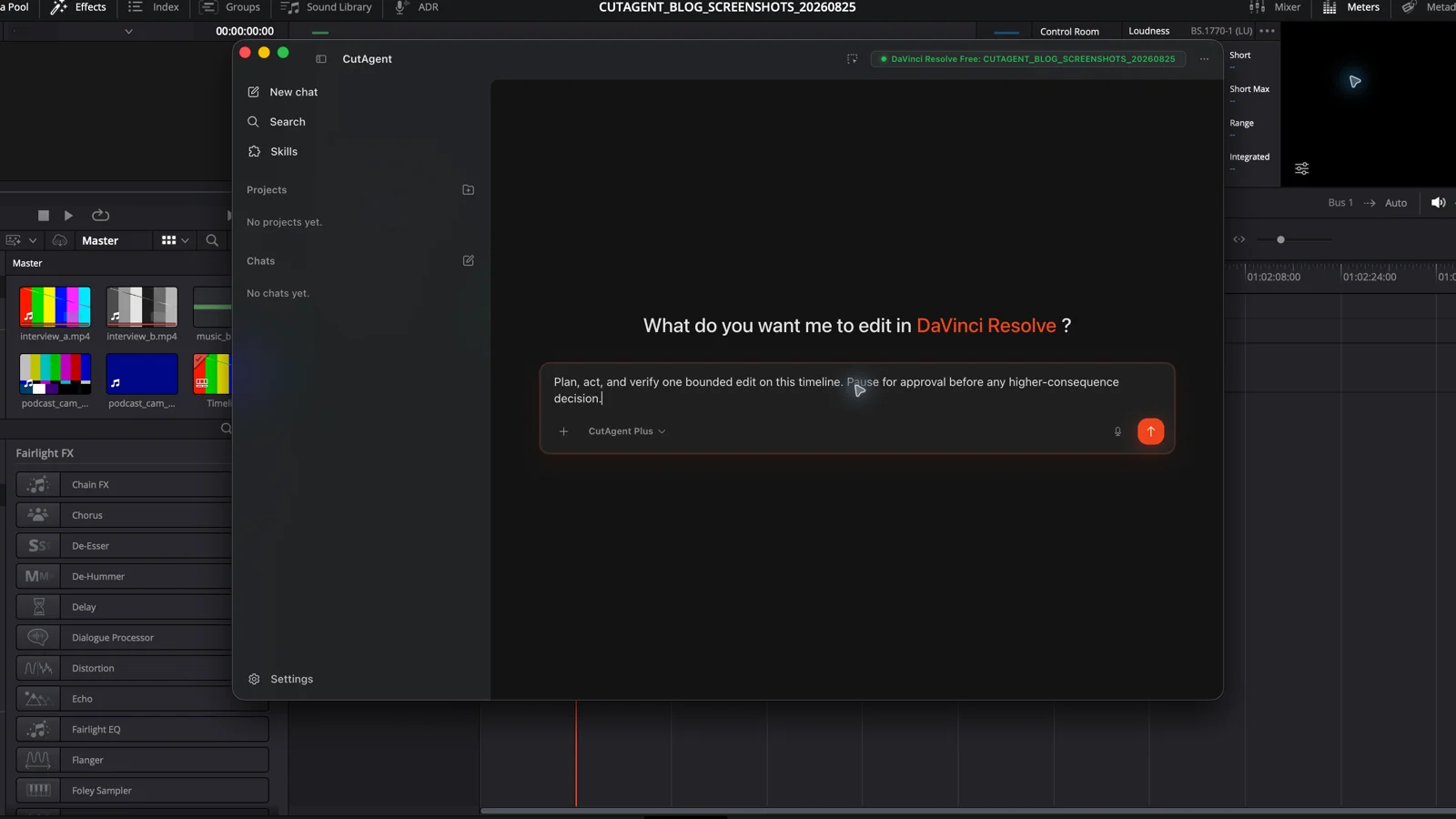
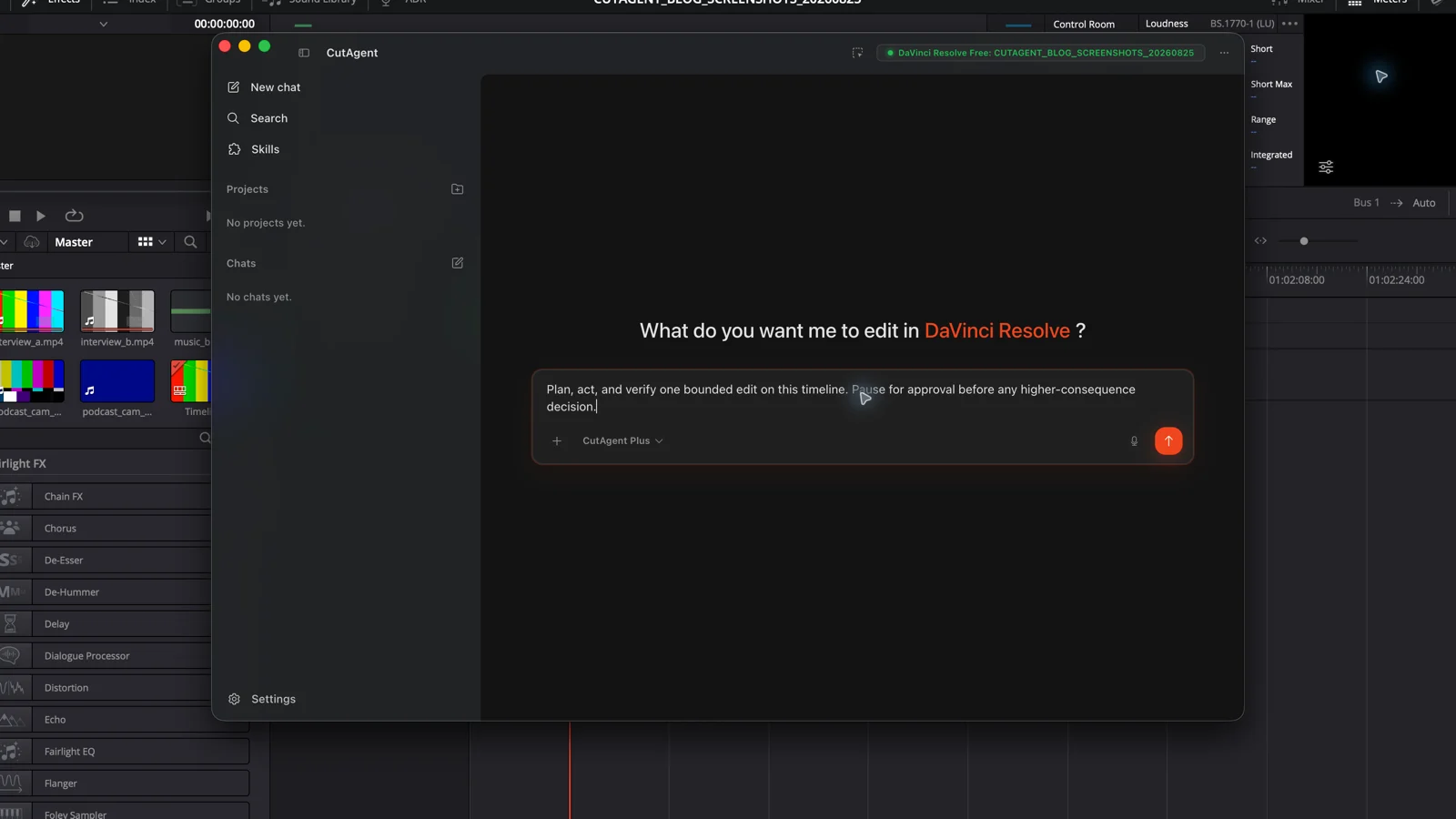
Inspect the open DaVinci Resolve project and active timeline without changing anything. Confirm project and timeline names, frame rate, duration, track layout, selected clips, offline media, and existing review markers. Compare that state with the attached selects brief. Separate exact mechanical operations from choices that require story or performance judgment. Propose the smallest reversible first action, its expected result, verification evidence, and every condition that should stop the run.
This is the first difference between useful delegation and prompt theater. The plan is allowed to shrink or stop after inspection. It should not preserve a confident multi-step proposal when the live edit disproves its assumptions.
Act at the lowest useful consequence first
Use the smallest action that proves the route. Read-only inspection comes before a write. One marker comes before a marker batch. One copied select comes before an assembled scene. A new timeline comes before destructive changes to the approved cut. The first action should test target resolution, tool behavior, and readback without putting valuable state at risk.
| Level | Examples | Control pattern |
|---|---|---|
| Read-only | Project inventory, timeline report, marker list, transcript search, media inspection | Run directly when scope and data access are clear; report missing state |
| Small reversible write | One marker, flag, metadata correction, or isolated test object | Use as a canary, read it back, then undo or retain intentionally |
| Structural timeline change | New assembly, ripple edit, retime, relink, multicam switch, caption batch | Protect the source, preview or plan, checkpoint, apply a narrow batch, review joins |
| Perceptual finishing | Grade, mix, cleanup, Fusion composite, generated voice or picture | Require representative renders or listening checks; parameters alone are insufficient |
| Delivery or publication | Render, upload, replace, publish, or send | Use explicit current authorization and inspect the actual output or destination state |
OpenAI recommends risk-rating tools using factors such as read-only versus write access, reversibility, and consequence, with human oversight for higher-risk actions. In post-production, the same command can move levels depending on scope. Adding one test marker is a small write; replacing hundreds of markers used by a finishing team is a production migration.
Verify state and experience separately
Verification has two layers. State evidence answers whether the requested object or parameter exists: a marker at a timecode, an online media path, a new timeline with a duration, or a caption count. Perceptual evidence answers whether the edit works when watched or heard: clean consonants, believable rhythm, stable sync, readable graphics, correct color, and a valid export.
| Change | State evidence | Experience evidence |
|---|---|---|
| Review markers | Count, name, color, note, and exact timecode | Marker appears on the intended picture and describes the right issue |
| Dialogue cut | Expected clip ranges, joins, track positions, and duration | Words, breaths, room tone, performance, picture continuity, and sync |
| Relink | New source path and matching media metadata | Beginning, middle, and end play as the intended picture and audio |
| Grade or composite | Nodes, effects, parameters, and target clips are present | Matched frames and representative render show the intended visual result |
| Delivery | Queue job, preset, path, codec, frame size, and completion state | The exported file plays correctly and meets the recipient's specification |
The agent may gather state evidence automatically. The editor should review perceptual and creative evidence at the consequence level of the change. A database value, tool success envelope, or clip count cannot approve a joke's pause, an actor's performance, a skin tone, or a final mix.
How CutAgent implements the boundary
CutAgent's public workflow is editor → natural-language brief in the desktop app → supported local DaVinci Resolve operations → verifier and review summaries → editor inspection in DaVinci Resolve. Its current product page documents live project context, local DaVinci Resolve-facing workflows, and verification summaries on macOS and Windows for DaVinci Resolve 20 or later, including Free and Studio. Individual actions can still depend on the installed version, edition, project, media, and live capabilities.
CutAgent can also install agent support for tools such as Codex and Claude Code. That does not make every action available or approved. The same plan-act-verify boundary applies: inspect current context, use supported operations, stop on ambiguity, and review the result in the editing application. The separate AI agent for DaVinci Resolve guide explains the product components; this framework explains how to delegate the work.
Start with a task whose success can be stated before it runs. Ask for a read-only inventory, then one reversible canary. If the plan names the correct target, the action stays inside scope, and both state and experience evidence pass, widen one dimension at a time. That is enough autonomy to be useful without pretending the editor has disappeared.
Sources and further reading
- A practical guide to building AI agents - OpenAI. Accessed August 25, 2026.
- Trustworthy agents in practice - Anthropic. Accessed August 25, 2026.
- Building effective agents - Anthropic. Accessed August 25, 2026.
- DaVinci Resolve product and workspace overview - Blackmagic Design. Accessed August 25, 2026.
- CutAgent product overview and compatibility FAQ - CutAgent. Accessed August 25, 2026.