What is an AI agent for DaVinci Resolve?
The useful distinction is action. An agent does more than answer an editing question: it works through a brief with tools, checks, and a clear stopping point.
Short answer
Short answer
An AI agent for DaVinci Resolve is a system that can interpret an editor's goal, inspect relevant project context, choose supported editing tools, take a sequence of actions, and check the result. It is different from a chat assistant that only gives instructions and from a fixed macro that always follows the same steps. The editor still sets the brief, protects creative decisions, and approves the timeline.
An agent turns a brief into checked timeline work
The word agent is useful only when the system can act. OpenAI's current agent guidance describes an agent as a system in which a model manages a workflow, selects tools, and continues until it reaches an exit condition or hands control back. For an editor, that means the difference between receiving advice about three review markers and finding those markers on the intended DaVinci Resolve timeline with a result to inspect.
DaVinci Resolve remains the editing application and source of project state. Blackmagic Design describes dedicated workspaces for editing, color, Fusion, Fairlight, media, and delivery. An external agent needs a supported route into those workflows; access to a language model by itself does not create control over a timeline.
The five parts of an editing agent
| Part | Question it answers | DaVinci Resolve example |
|---|---|---|
| Goal | What outcome did the editor request? | Add three yellow timeline markers from approved client notes |
| Context | Which project, timeline, clips, and timebase are relevant? | Confirm the active timeline before interpreting timecodes |
| Tools | Which supported operations can read or change that state? | Inspect timeline markers, add the named markers, then read them back |
| Loop | What should happen after each result or error? | Stop on an ambiguous timeline; continue only after the target is clear |
| Proof | How will the editor know what happened? | Report each created marker with its name, color, and timecode |
The model is one component, not the whole product. OpenAI's agent guide separates model, tools, and instructions, then describes a run as a loop with explicit exit conditions. In post-production, project context and proof deserve equal weight because an action can be technically accepted and still affect the wrong timeline or produce the wrong editorial result.
Agent, assistant, built-in AI, or fixed automation?
These tools solve different problems. Blackmagic Design includes AI features inside DaVinci Resolve, with edition differences between DaVinci Resolve Free and DaVinci Resolve Studio. Those features perform defined jobs in the application. An editing agent sits at the workflow level: it interprets a brief, decides which supported operation comes next, and can combine several steps around the native tools.
| System | What it does | Best fit | Main limit |
|---|---|---|---|
| Chat assistant | Explains a method or drafts instructions | Learning a control or thinking through an approach | Does not change the project |
| Built-in DaVinci Resolve AI feature | Runs a defined AI-powered function inside the application | A specific supported task such as analysis, isolation, or reframing | Does not own the wider brief |
| Macro or fixed automation | Repeats a predetermined sequence | Stable inputs and the same path every time | Handles exceptions only when they were programmed |
| AI agent | Chooses among tools and adapts the next step to the current result | Bounded multi-step work with explicit checks | Can misunderstand intent and still needs guardrails and review |
Use the simplest system that fits the job. A keyboard shortcut is better than an agent for one deterministic action. A native DaVinci Resolve control is better when it already solves the exact problem. An agent earns its place when the task requires interpretation, several supported operations, and decisions based on what it finds.
How CutAgent fits between the editor and DaVinci Resolve
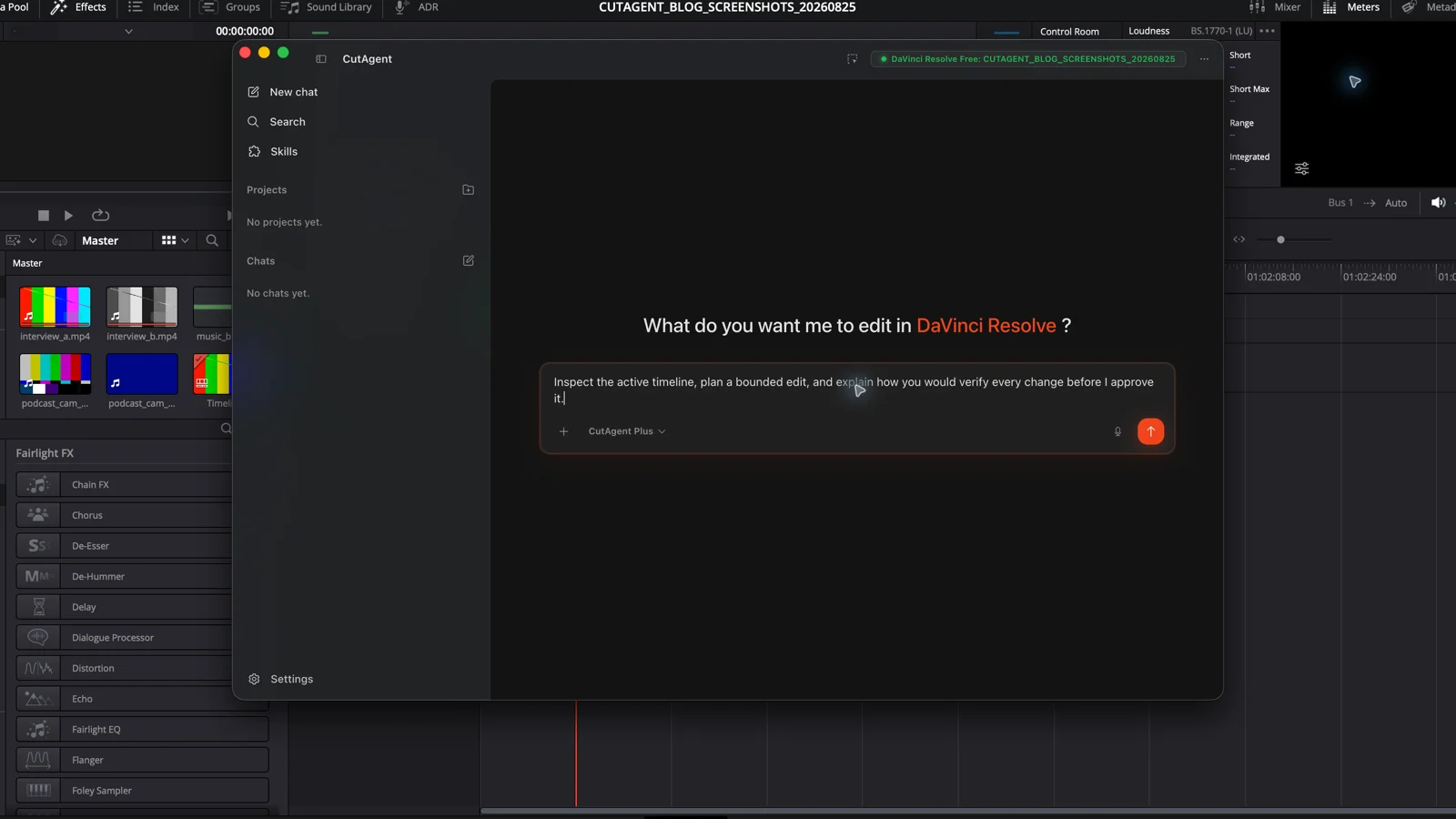
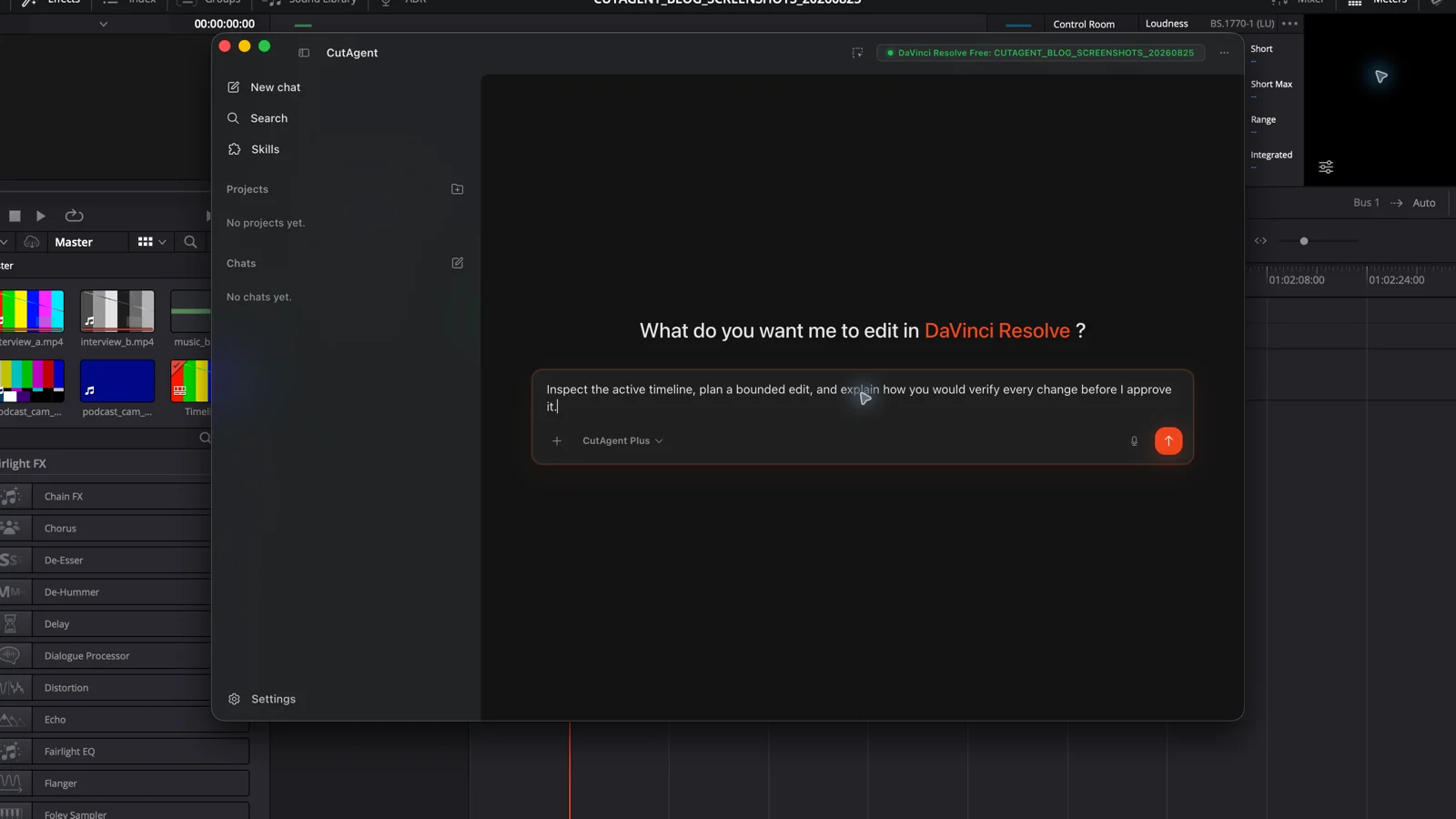
In CutAgent, the editor describes the task in the desktop app. The agent reads relevant local DaVinci Resolve context, chooses supported operations, and reports what changed for review. CutAgent's public product page supports DaVinci Resolve 20 or later, including Free and Studio, on macOS and Windows. Individual actions can still depend on the DaVinci Resolve version, edition, media, and current project state.
- You name the target and outcome: project, timeline, clips, deliverable, or review queue.
- CutAgent checks the current context and available operations before it acts.
- The agent performs the bounded task through CutAgent's supported local editing layer.
- It reads back relevant state or produces a review summary where the operation supports it.
- You inspect the timeline, picture, sound, or export in DaVinci Resolve and decide whether to approve it.
Editors do not need to memorize terminal commands for this path. Developers and supported external agents can use CutAgent CLI as the editing tool layer, while the normal CutAgent workflow starts with a plain-language brief in the desktop app.
A good first task is bounded and easy to prove
Start with a reversible operation whose success is visible. Timeline markers are a better first test than an open-ended rough cut: the target, count, names, colors, and timecodes can all be specified and checked without asking the agent to make story decisions.
Check the open DaVinci Resolve project and confirm that the active timeline is Client review v7. Add yellow timeline markers named Opening note, Product close-up, and Legal check at 01:00:12:08, 01:00:34:16, and 01:01:02:00. Change nothing else. Stop if the project, timeline, frame rate, or timecodes are ambiguous. Then list the markers you created with their exact names, colors, and timecodes.
The brief gives the agent a target, a narrow change, stop conditions, and an acceptance check. After it runs, open the timeline and inspect the three positions. A matching report is useful evidence; the timeline remains the final authority.
Once that path is reliable, choose another task with the same properties: repeatable inputs, explicit boundaries, and a result you can review. The DaVinci Resolve automation task guide separates good automation candidates from decisions that should stay with the editor.
What the editor still owns
An agent can execute and check a defined workflow. It cannot supply your intent when the brief is vague, and structured success does not prove that a cut has the right performance, rhythm, color, mix, or legal clearance. Those are review decisions.
- Protect the source timeline or project before broad, destructive, or ripple-changing work.
- Name decisions the agent must not make, such as selecting performances or approving a final grade.
- Require a stop when the target, media identity, frame rate, version, or feature availability is unclear.
- Review the actual timeline and output, not only the agent's completion message.
Judge an editing agent by the chain you can inspect: the brief it received, the context it used, the operations it ran, the boundaries it respected, and the result in DaVinci Resolve. If one of those links is missing, narrow the task before trusting it with more of the edit.
Sources and further reading
- A practical guide to building AI agents - OpenAI. Accessed August 25, 2026.
- DaVinci Resolve product overview - Blackmagic Design. Accessed August 25, 2026.
- DaVinci Resolve Studio scripting, automation, and edition features - Blackmagic Design. Accessed August 25, 2026.
- CutAgent product overview and compatibility FAQ - CutAgent. Accessed August 25, 2026.