10 min read
AI podcast editing in DaVinci Resolve
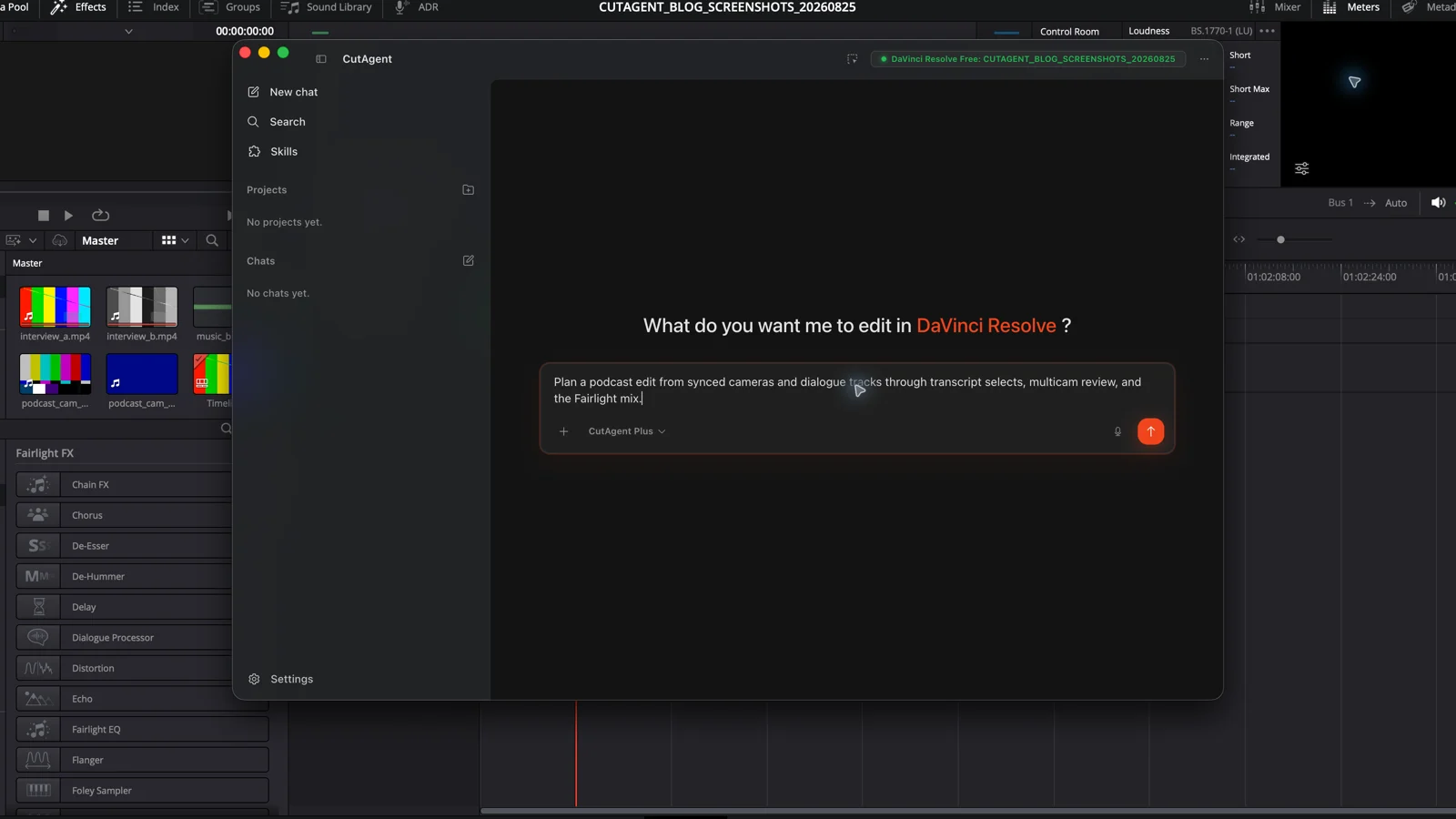
Build a reviewable AI-assisted podcast edit in DaVinci Resolve: sync and map sources, cut from transcripts, refine multicam switches, mix dialogue, and check delivery.
Read the guideCutAgent field notes
Practical DaVinci Resolve workflow guidance for editors who want automation to protect their attention, not replace their judgment.
Build a reviewable AI-assisted podcast edit in DaVinci Resolve: sync and map sources, cut from transcripts, refine multicam switches, mix dialogue, and check delivery.
Read the guide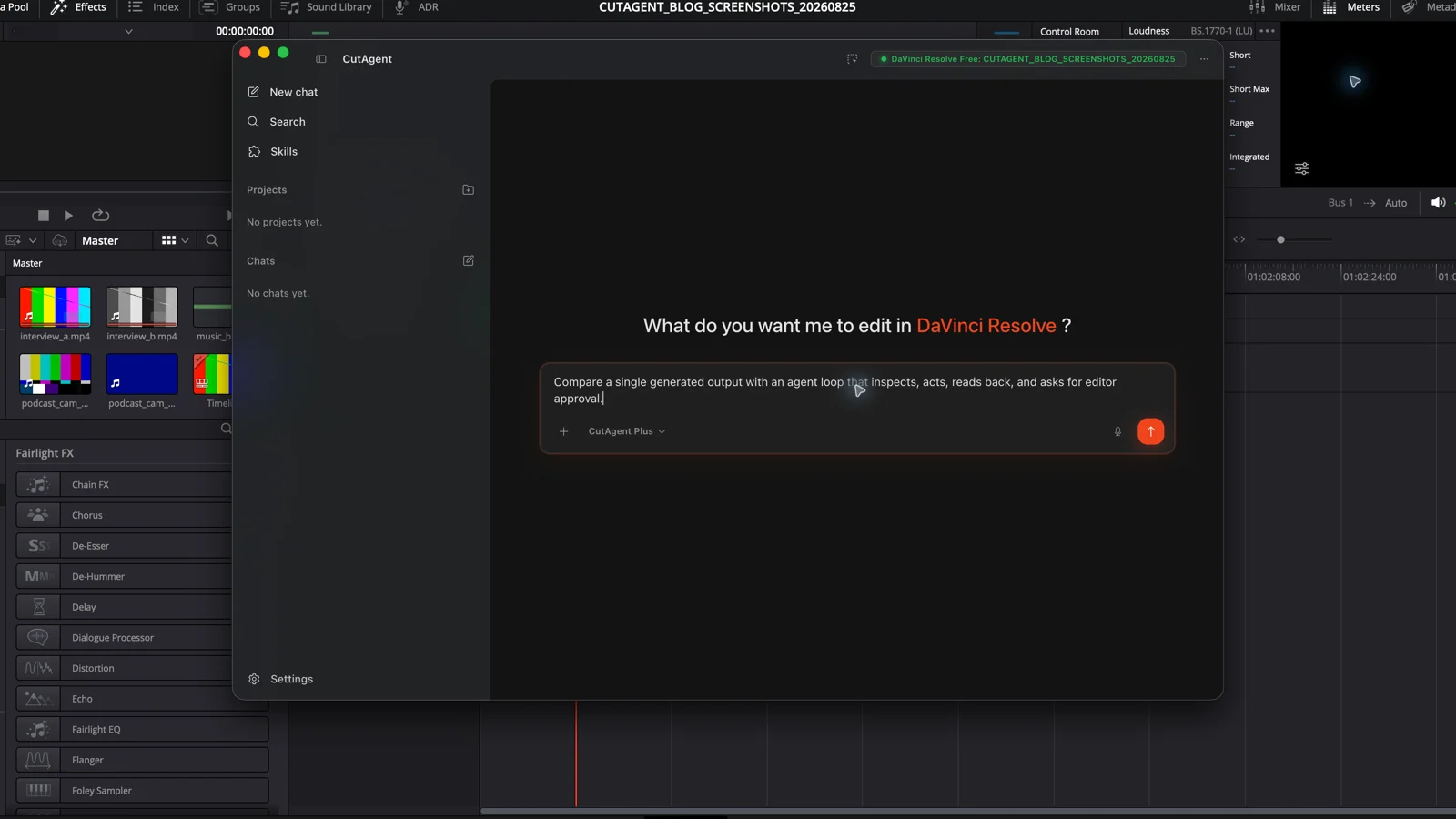
An AI video editor produces or changes an edit; an AI video agent can inspect context, choose supported tools, act in steps, and check the result.
Read the guide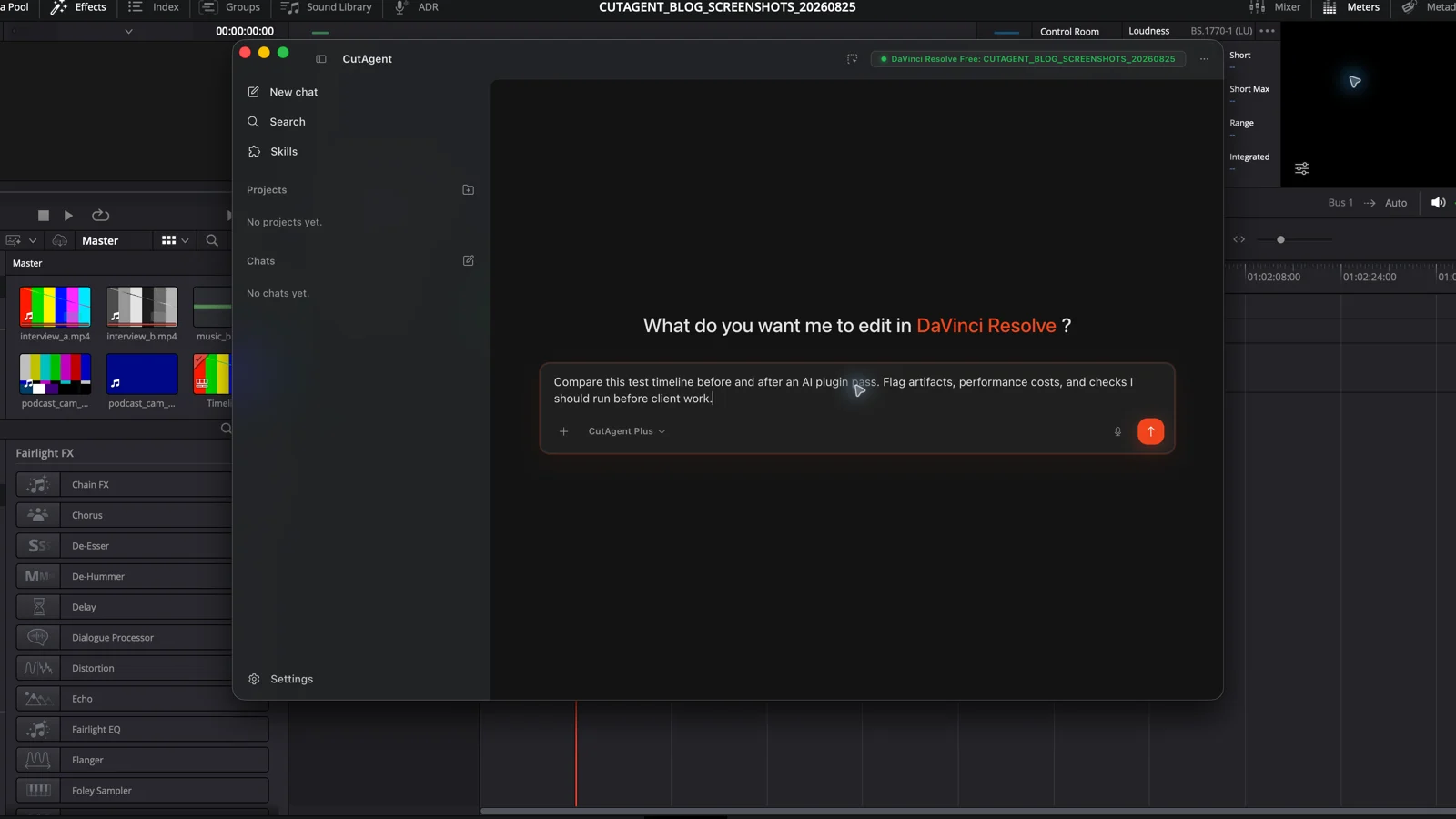
Compare the useful AI plugins for DaVinci Resolve in 2026, including Topaz Video and Colourlab Ai, with a practical test before you buy.
Read the guide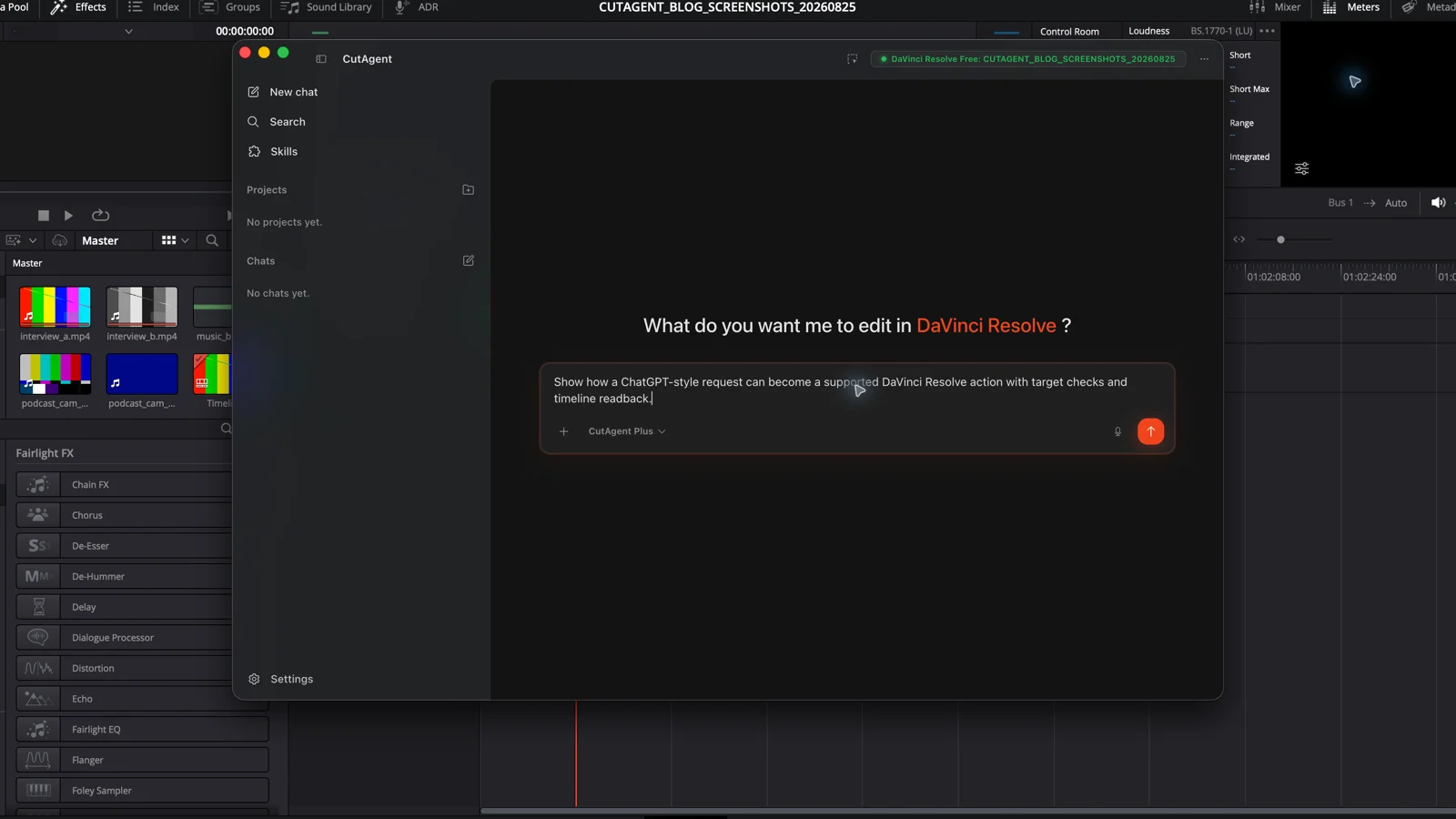
ChatGPT can plan an edit, but controlling a DaVinci Resolve timeline requires approved tools, local project access, and a result the editor can verify.
Read the guide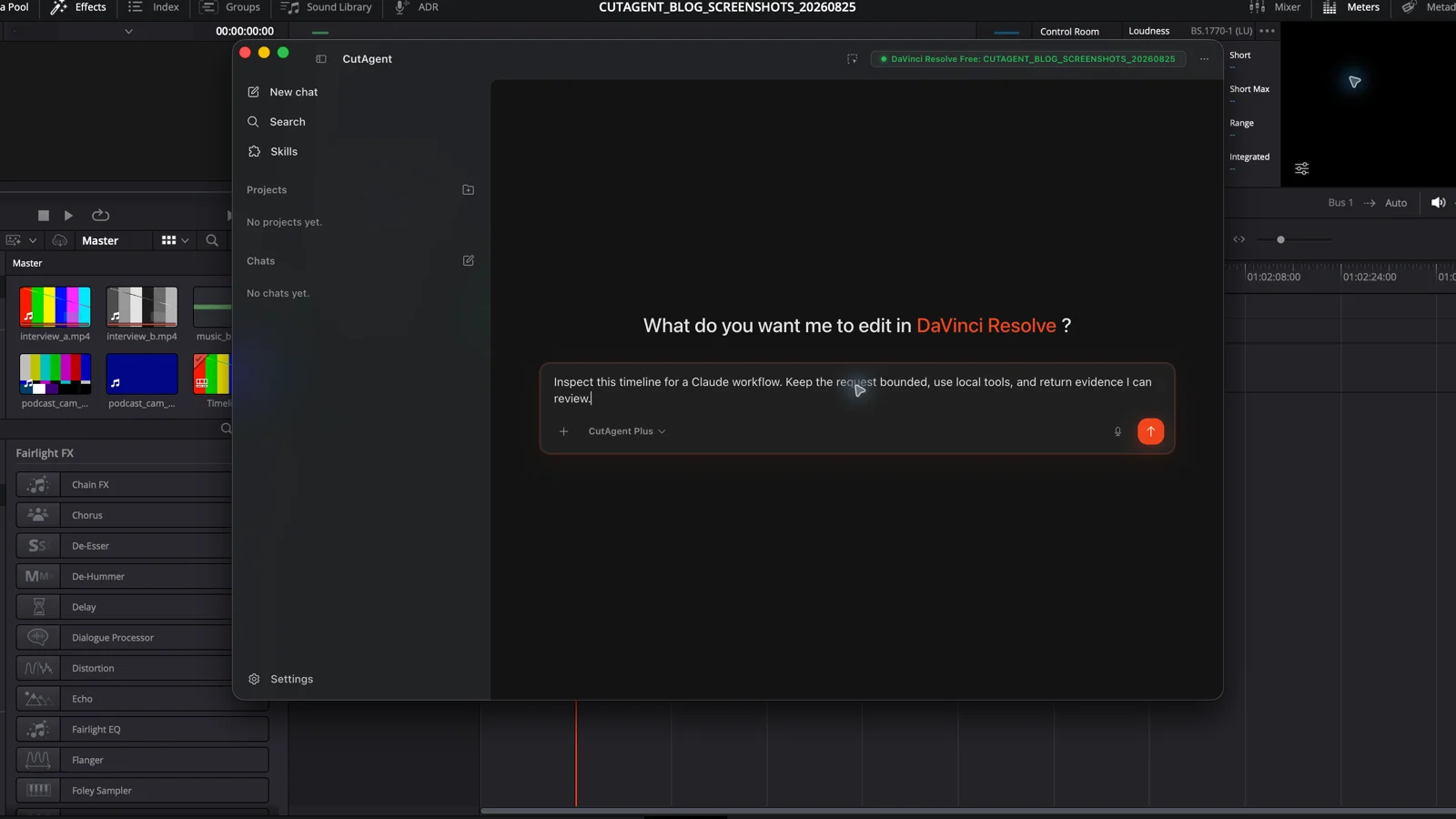
Learn when Claude can act on a DaVinci Resolve timeline, what requires a local tool layer, and how to brief edits that can be checked.
Read the guide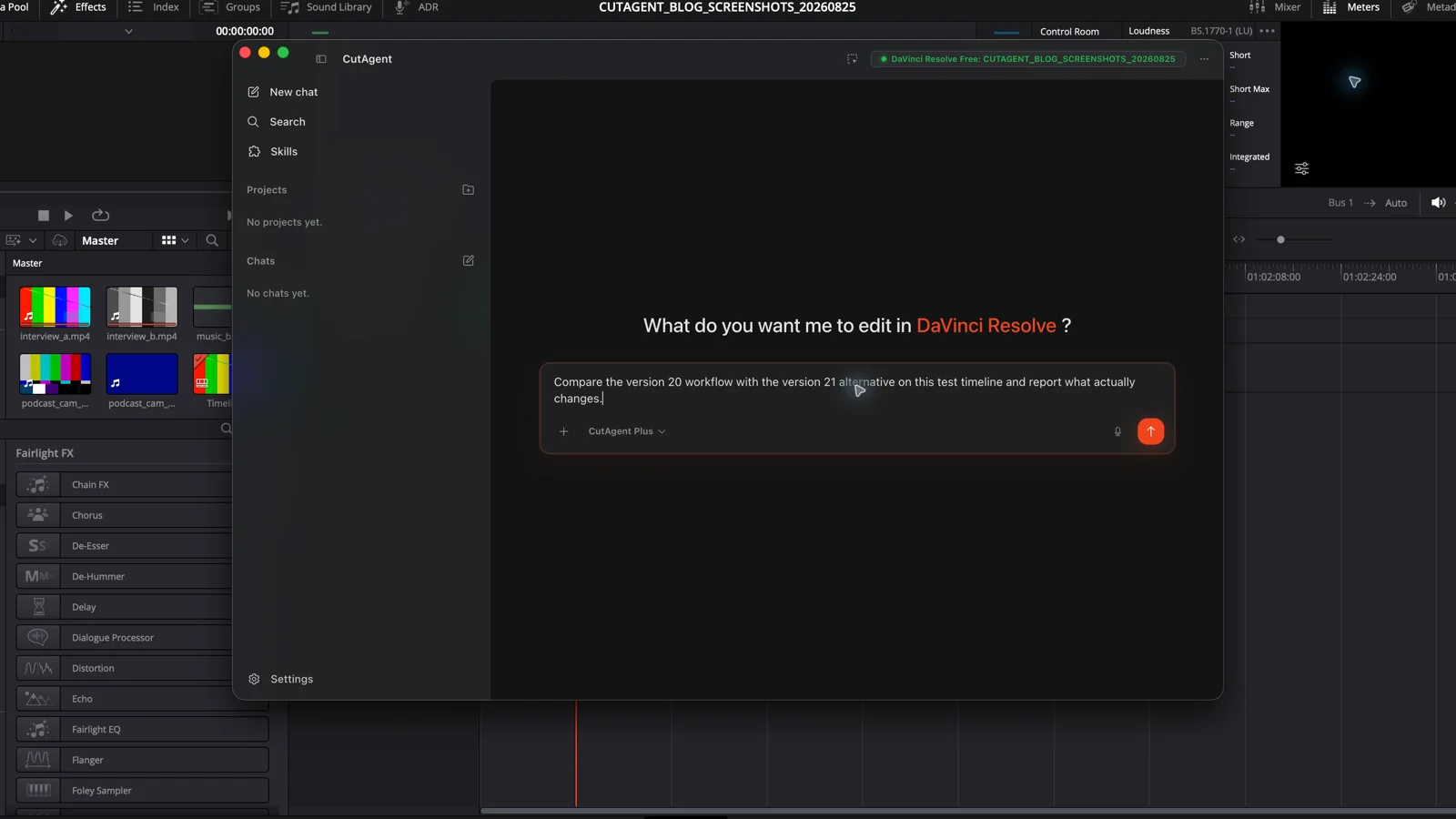
Compare the AI tools introduced in DaVinci Resolve 20 and 21, understand the Studio boundary, and decide whether version 21 changes your real edit.
Read the guide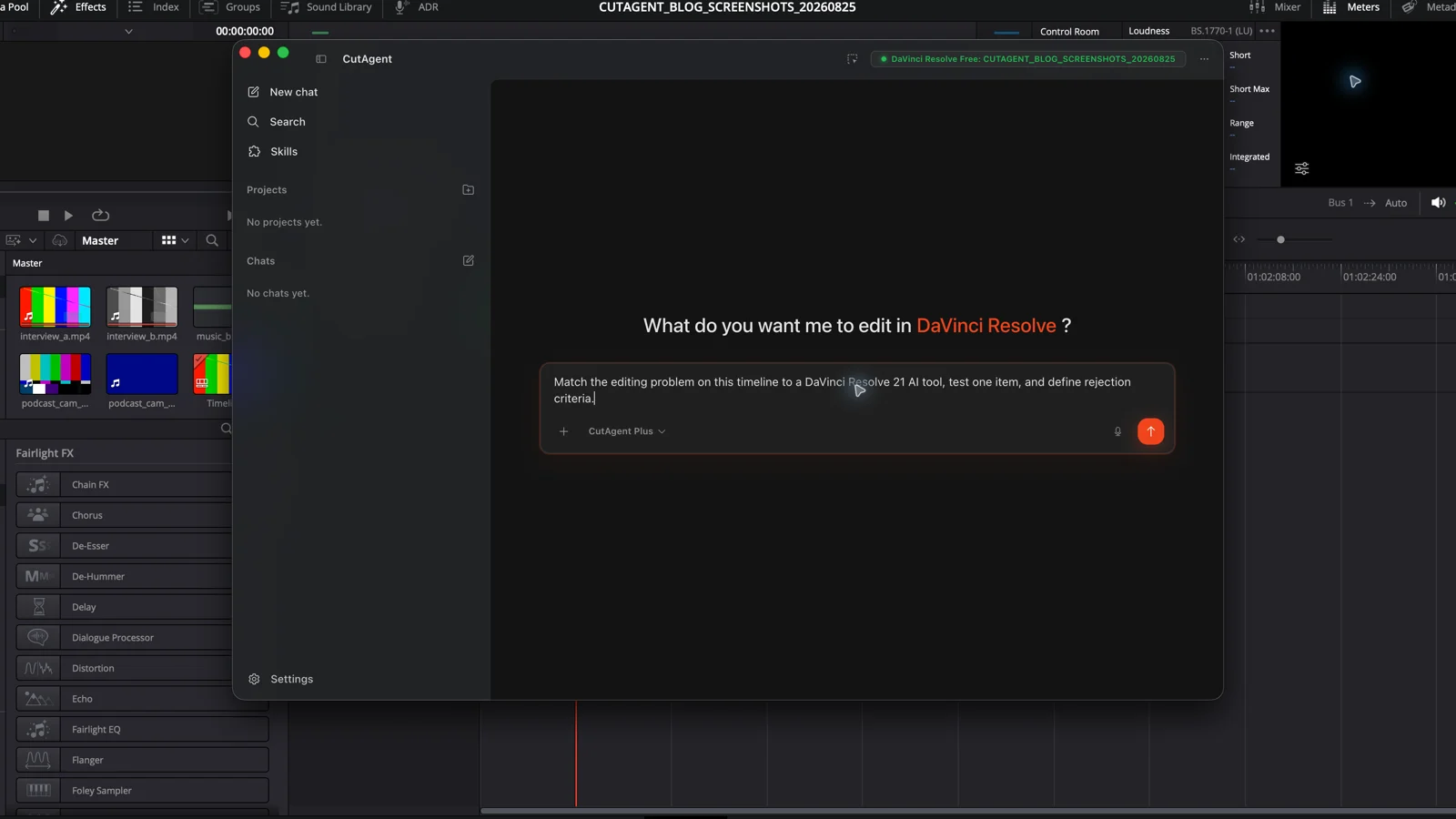
Choose the right DaVinci Resolve Studio 21 AI tool for search, slate metadata, speech, focus, face work, sharpening, or motion deblur—and review the result properly.
Read the guide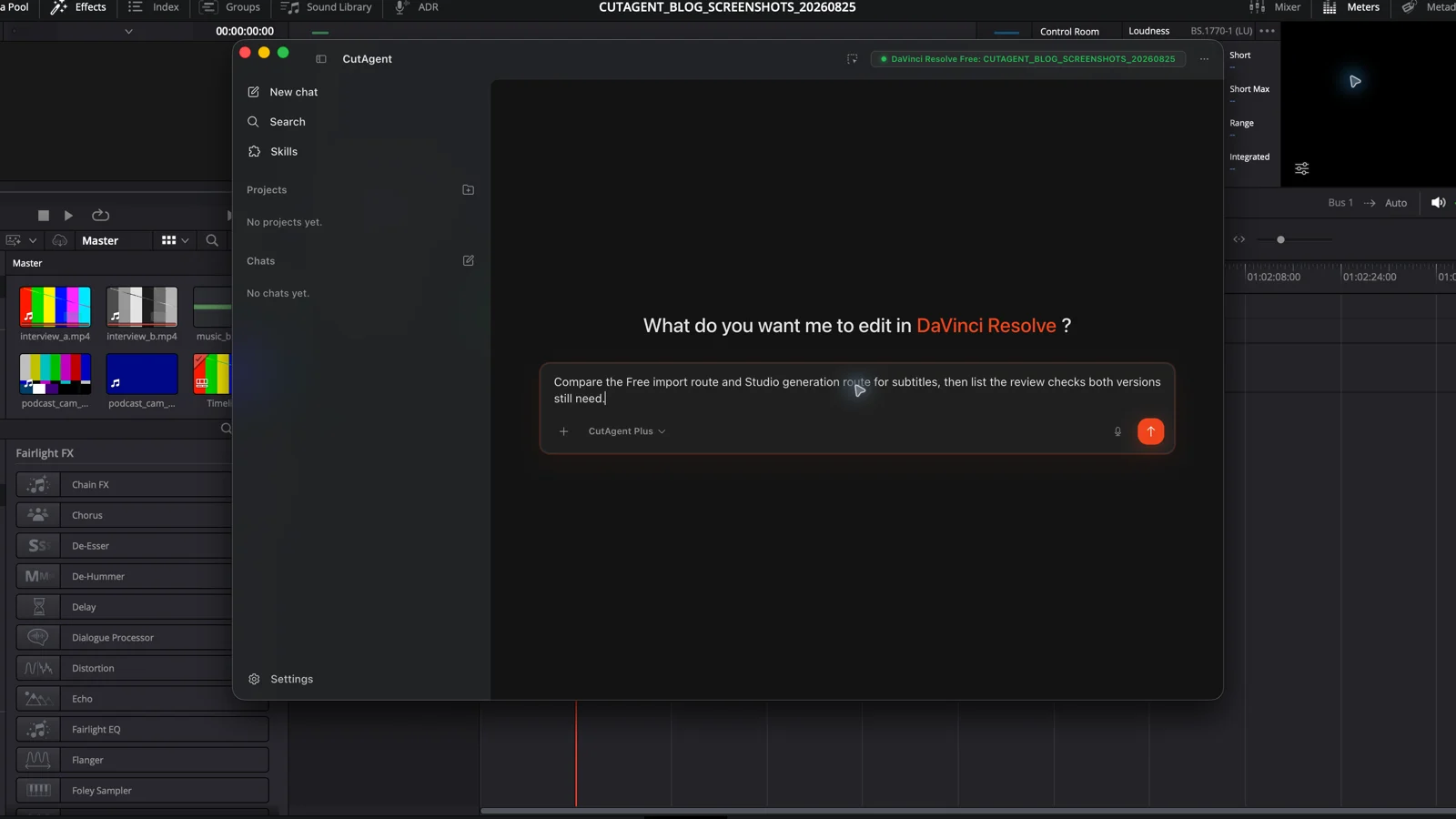
DaVinci Resolve Studio can create subtitles from timeline audio. DaVinci Resolve Free can import, edit, style, burn in, and export timed subtitle files.
Read the guide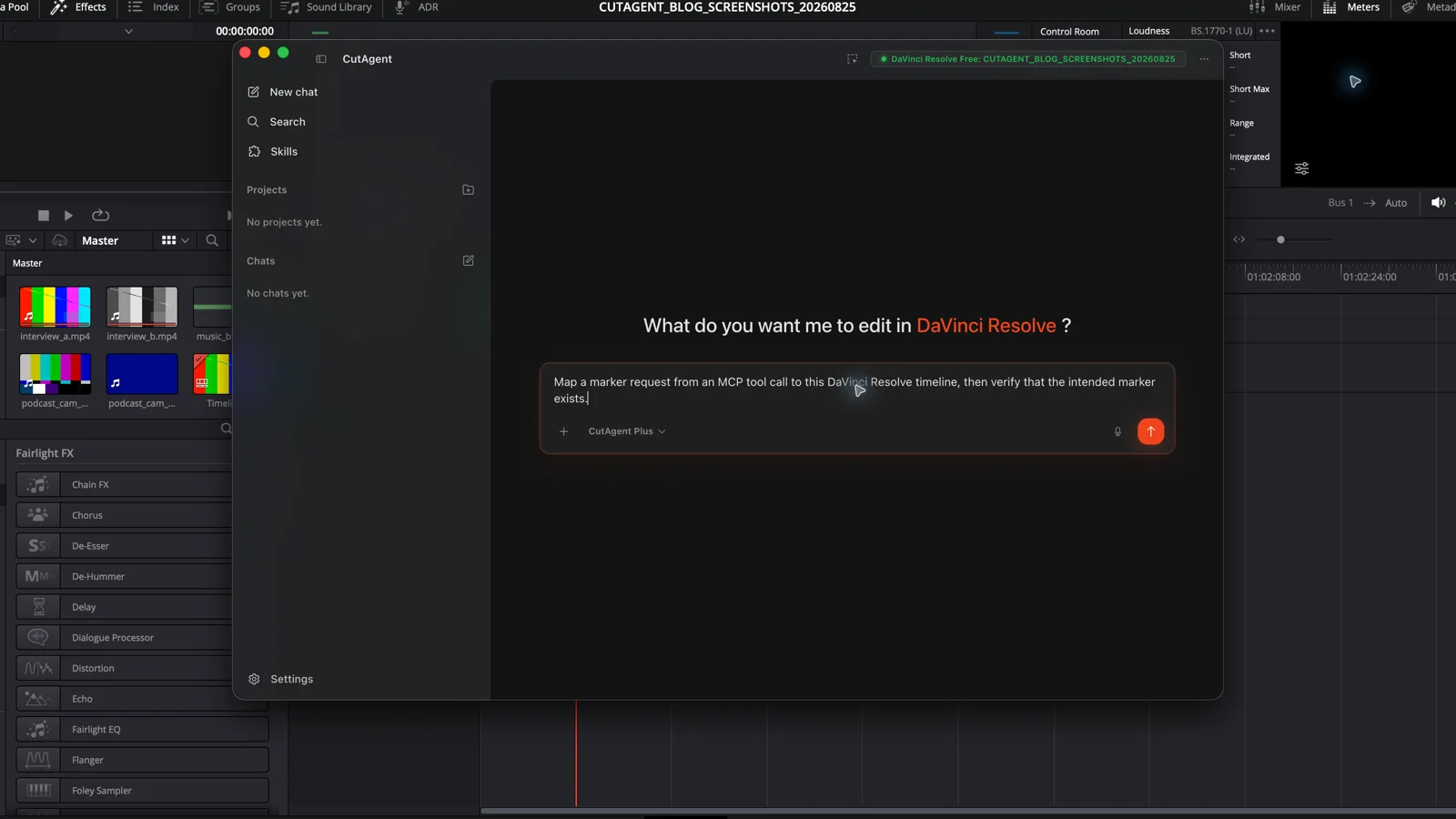
A DaVinci Resolve MCP server exposes editing operations to an MCP-capable AI client. Learn what sits behind the protocol and how to test it safely.
Read the guide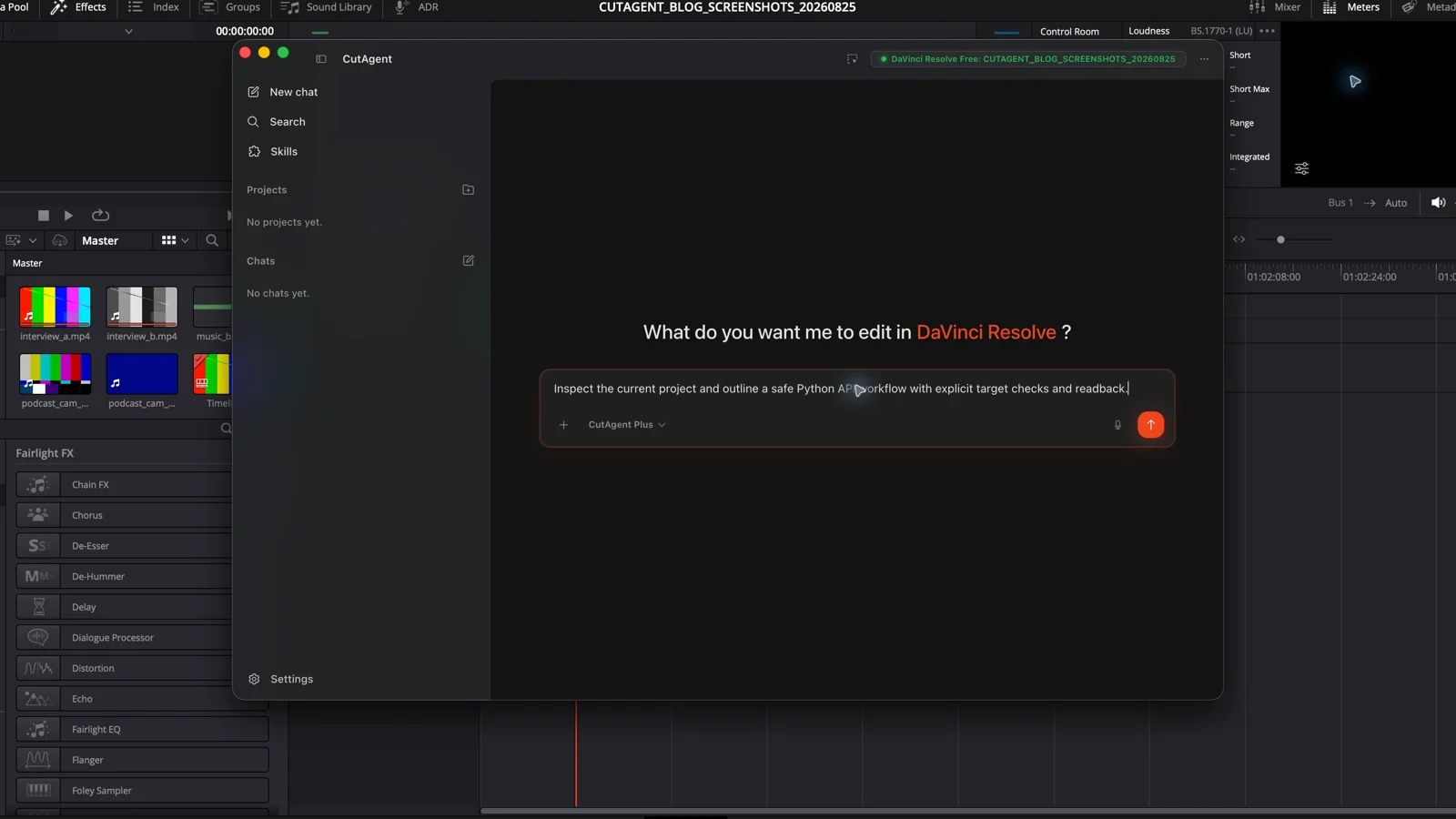
Learn what the DaVinci Resolve Python API can automate, where its coverage ends, and how editors should scope and verify a custom scripting project.
Read the guide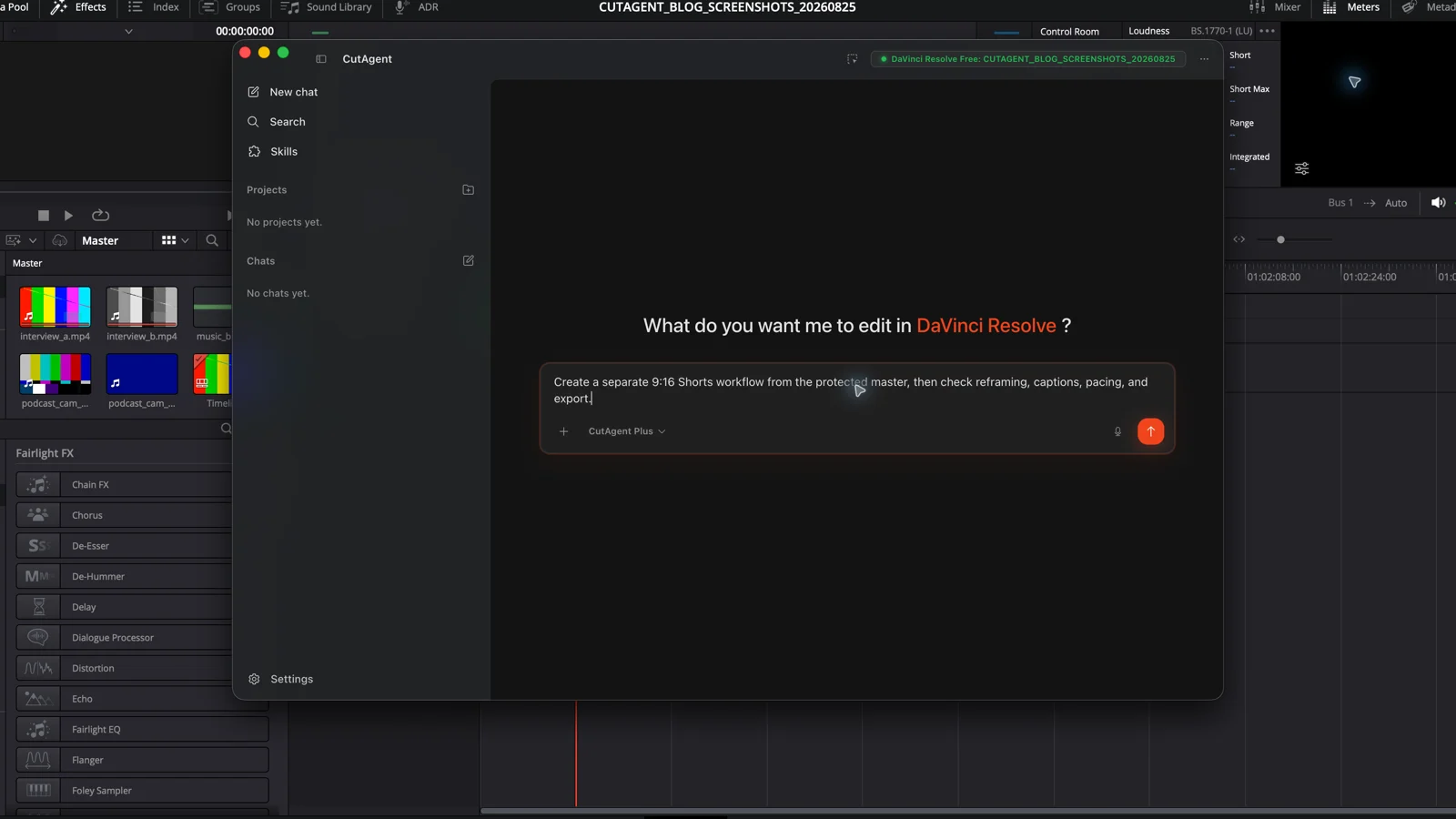
Turn a horizontal master into a vertical YouTube Short with a separate 9:16 timeline, shot-by-shot reframing, readable captions, and a checked export.
Read the guide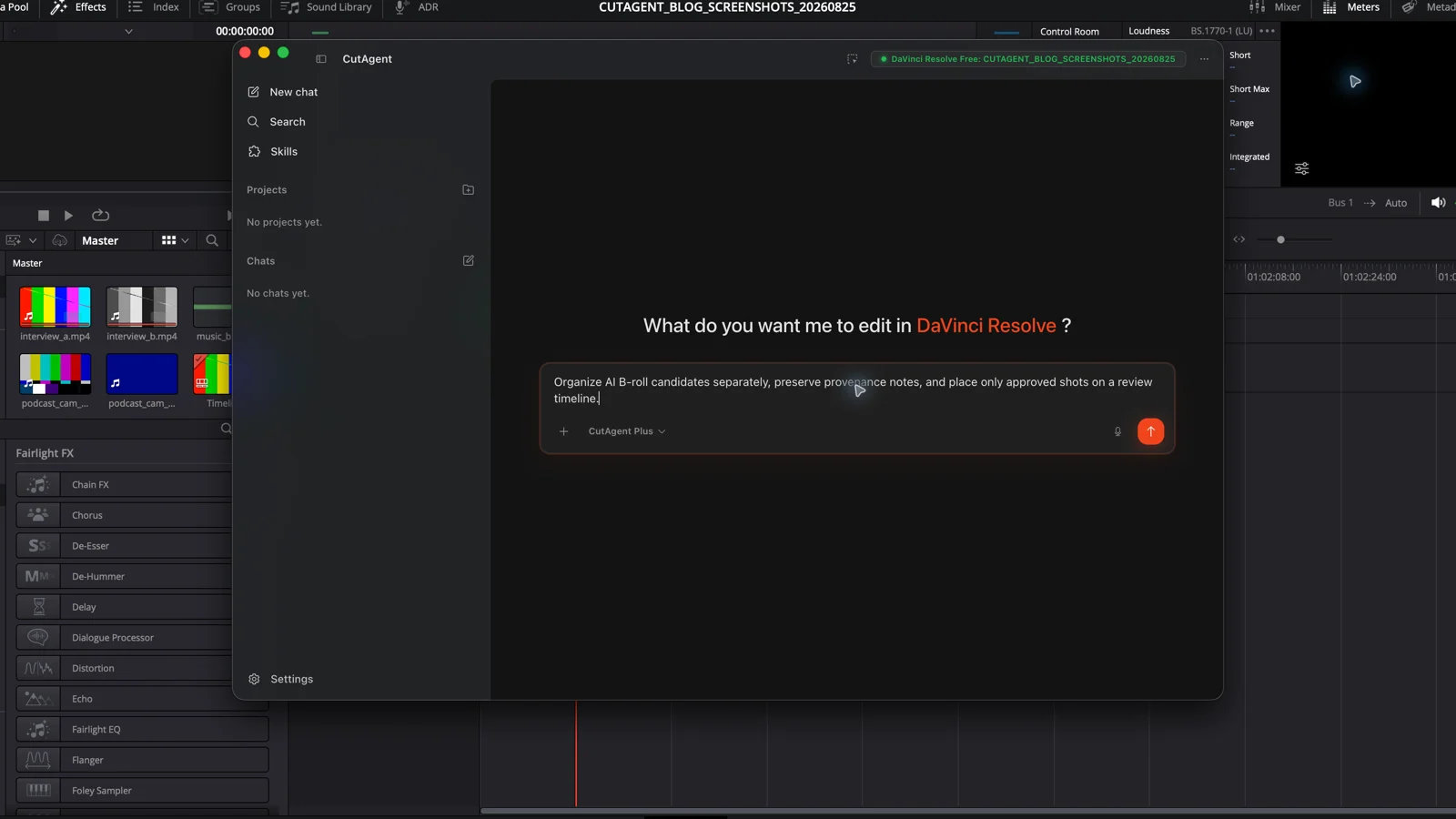
Turn a transcript into a rights-aware AI B-roll shot list, generate and document approved clips, then import, place, match, and review them in DaVinci Resolve.
Read the guide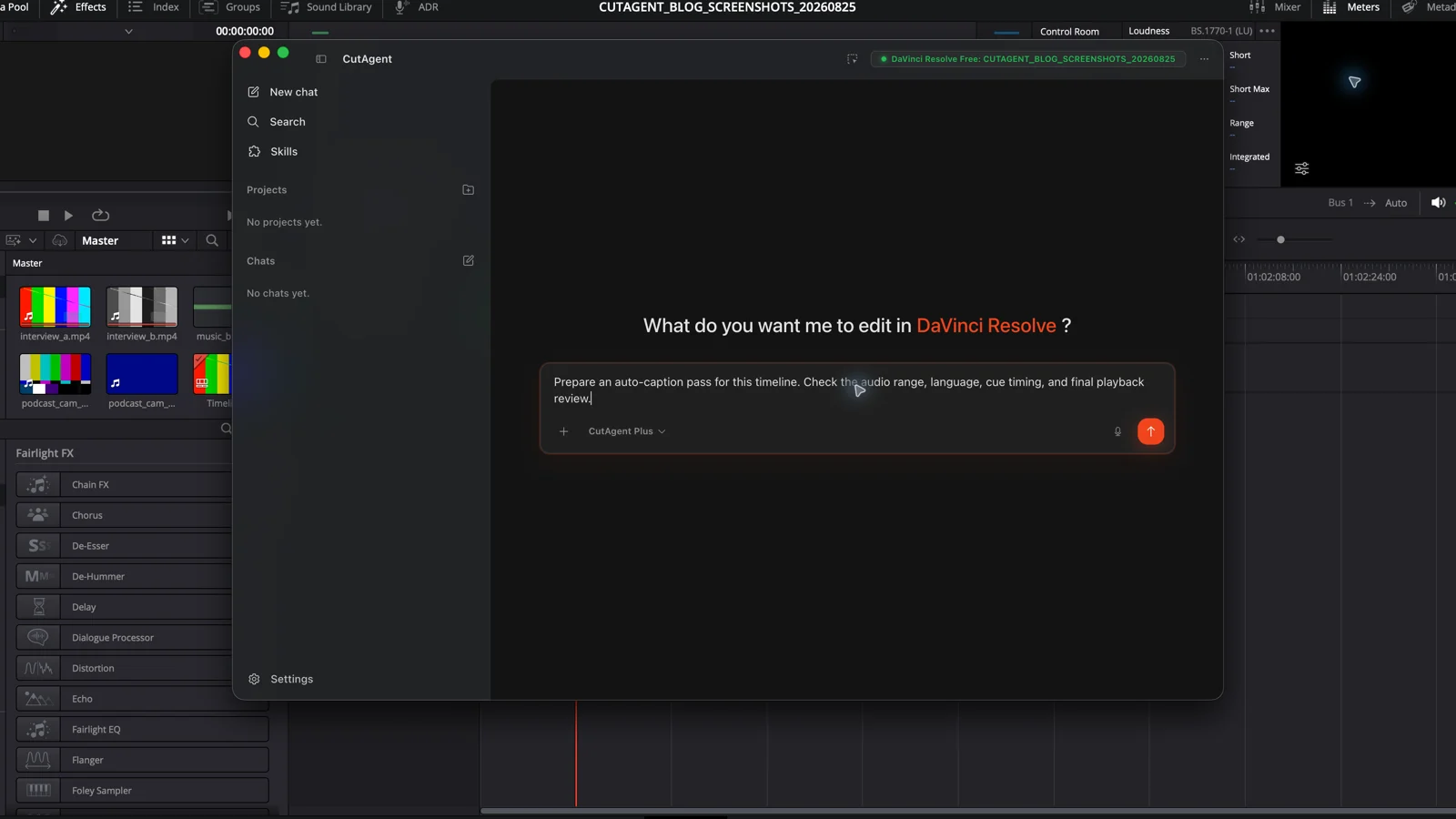
Create automatic captions from timeline audio in DaVinci Resolve Studio, then fix speaker overlap, word timing, text errors, and subtitle export settings.
Read the guide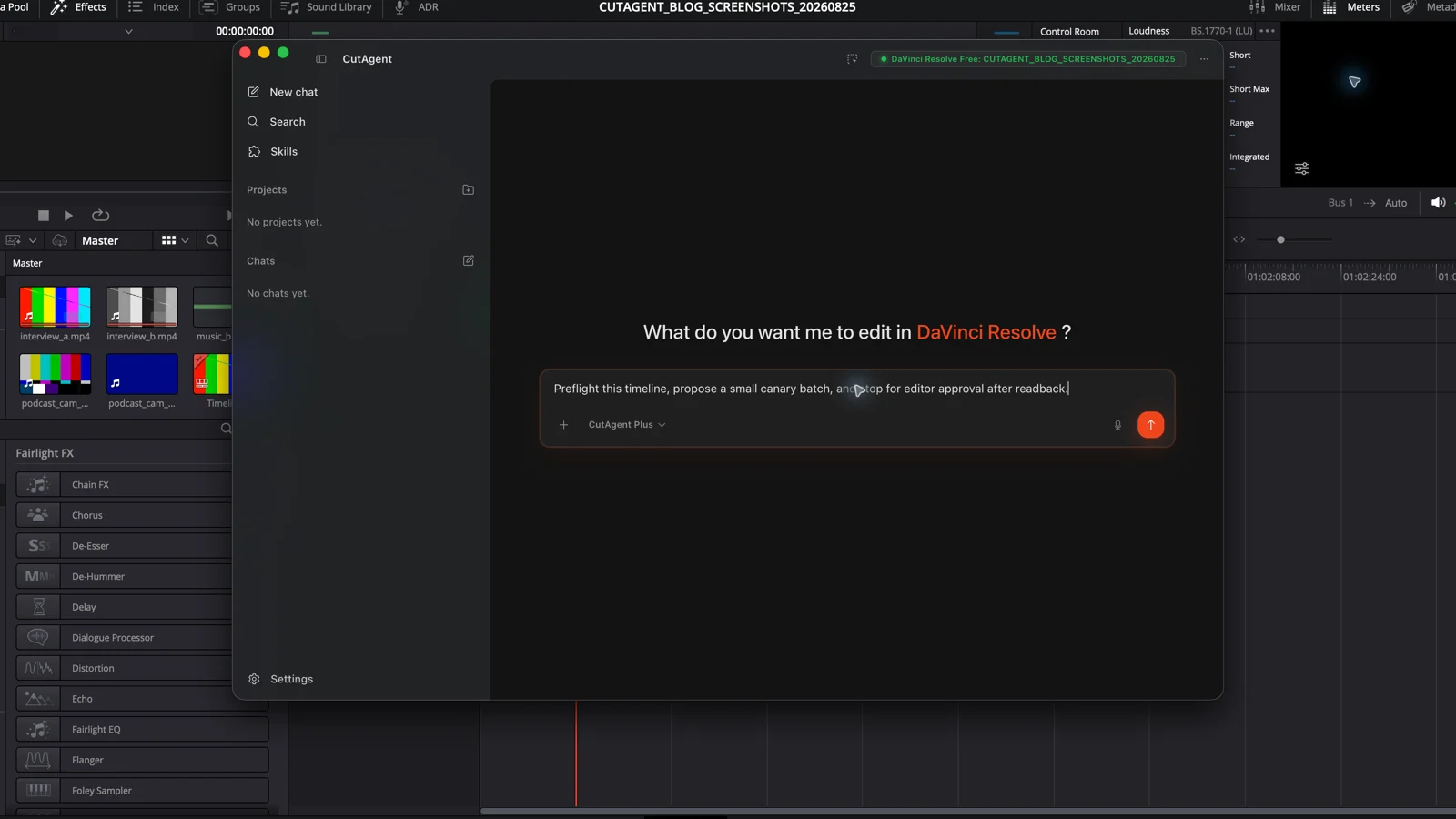
Build a DaVinci Resolve automation workflow with explicit targets, a canary run, readback, visual review, and a controlled promotion step.
Read the guide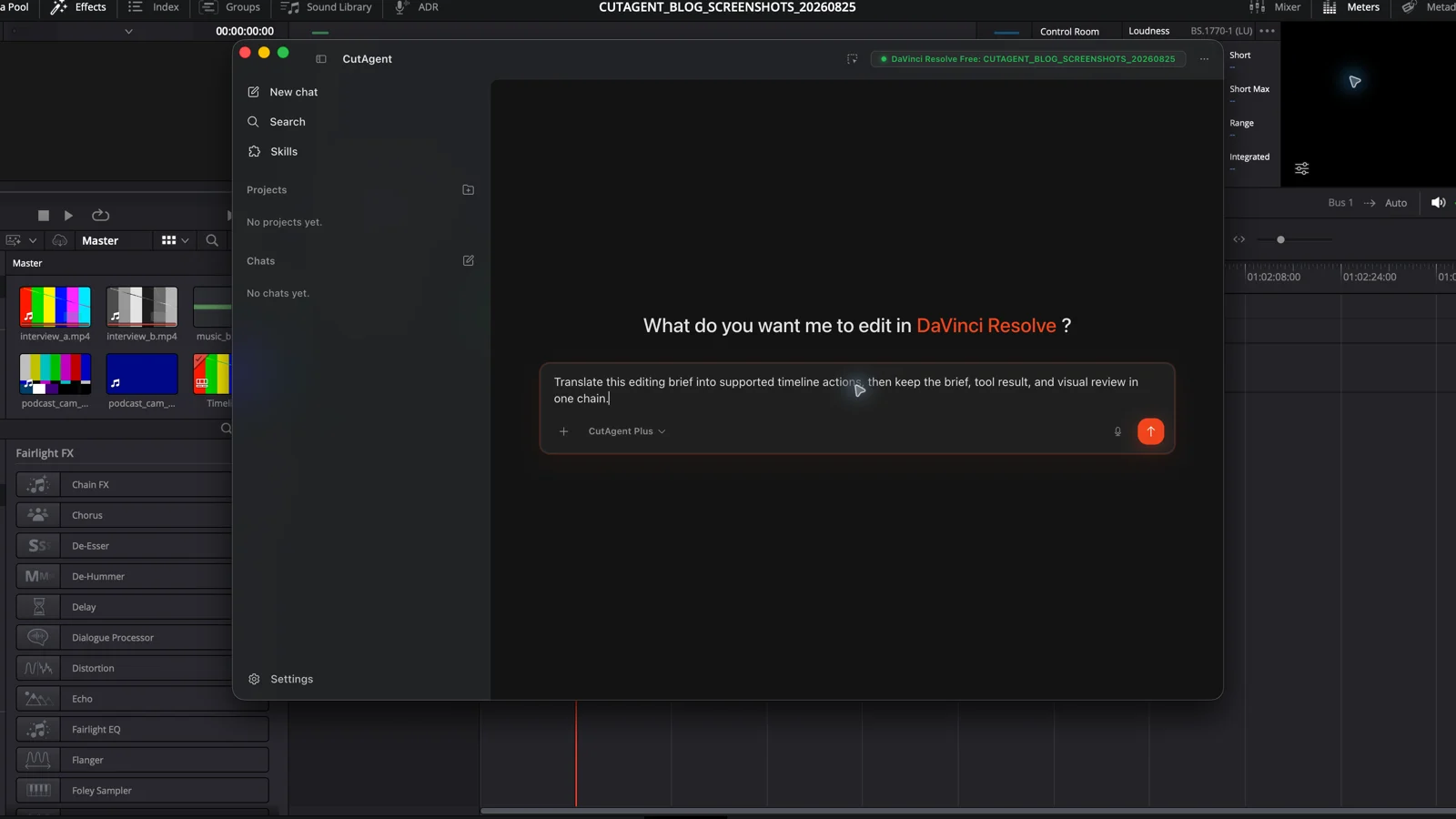
Natural language can turn an editing brief into a plan and supported timeline actions, but the timeline remains the interface for proof and creative judgment.
Read the guide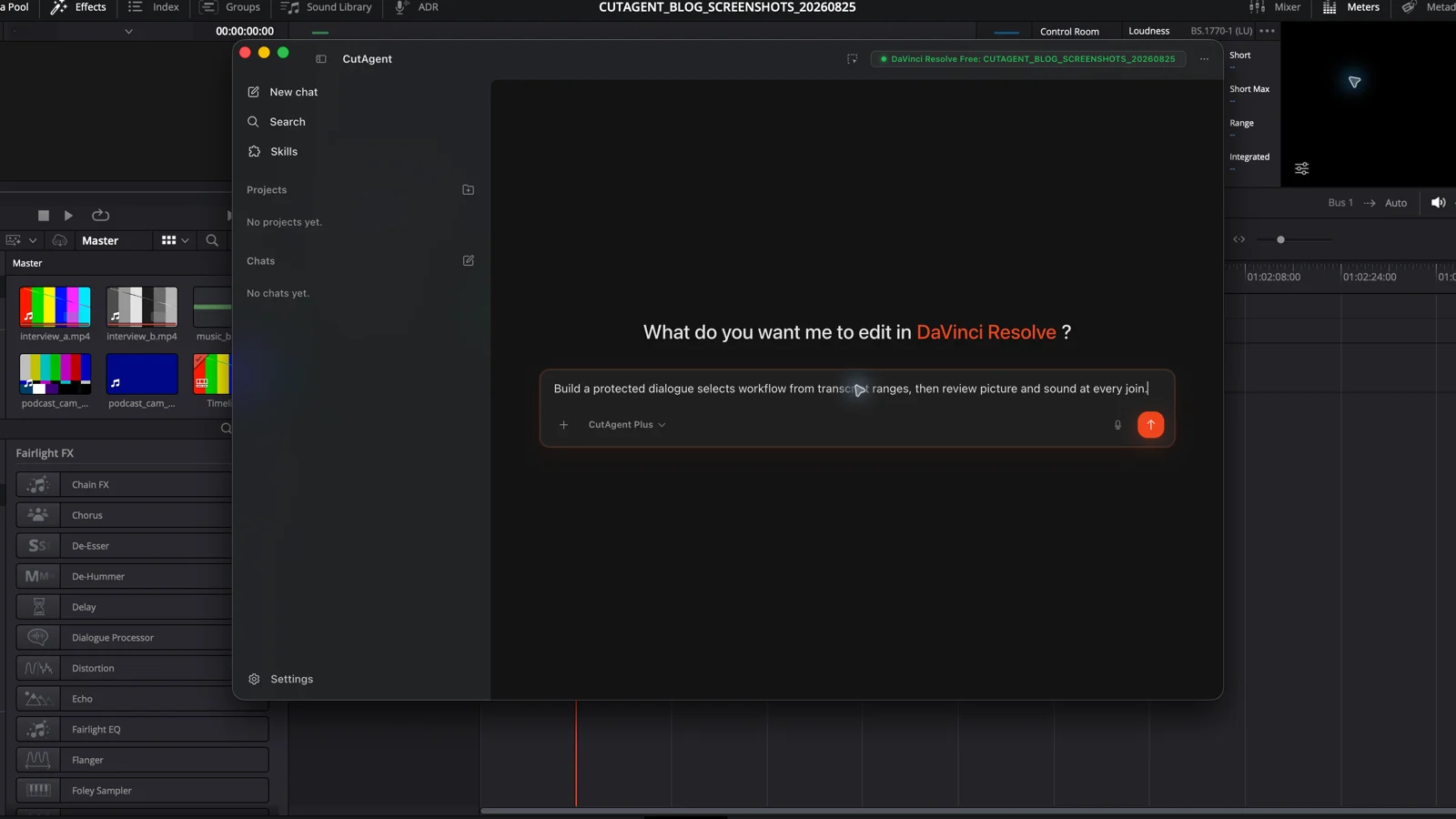
Use DaVinci Resolve Studio transcripts to find selects, build a dialogue assembly, revise a timeline, and review every text-driven edit in picture and sound.
Read the guide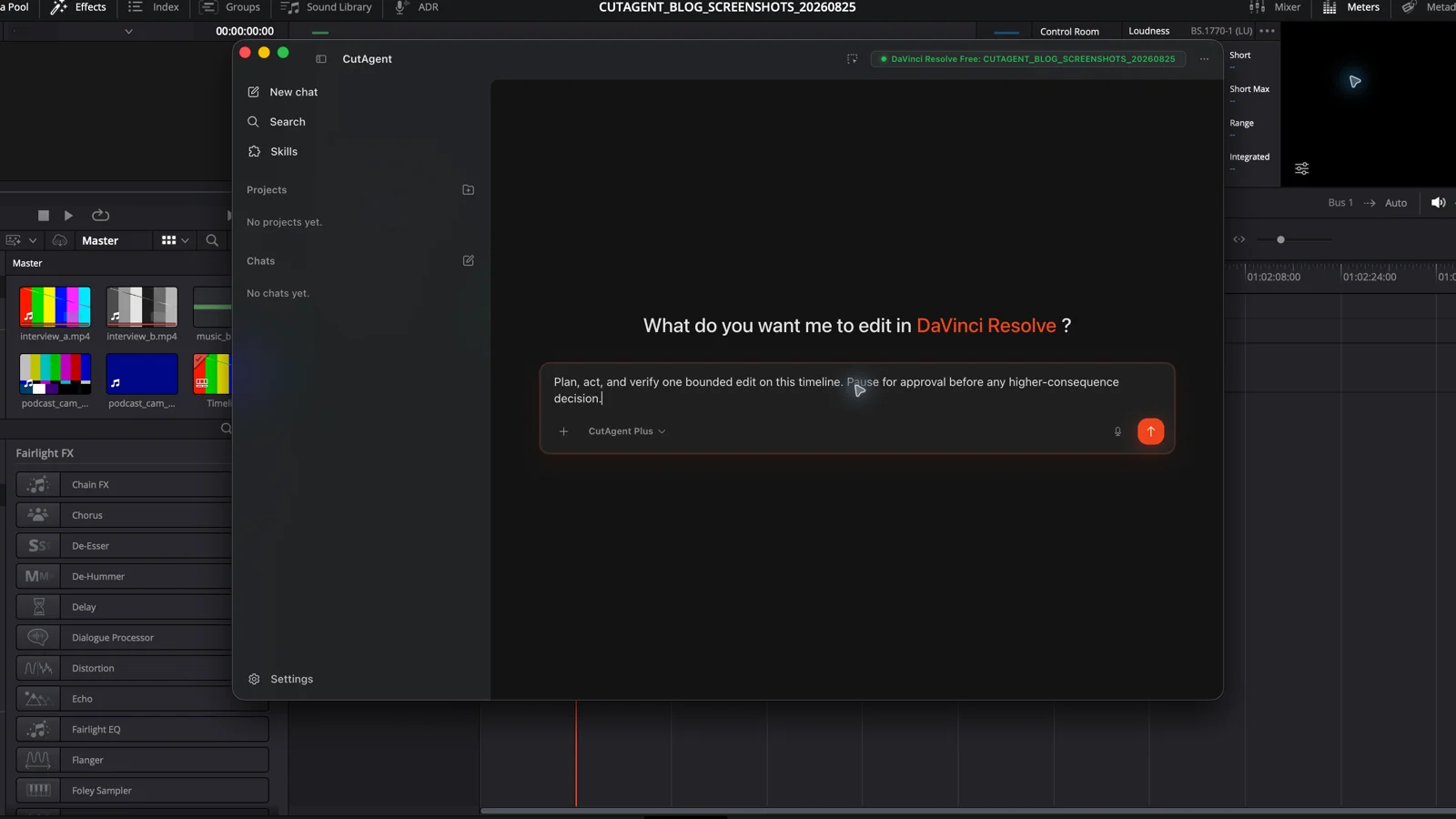
Agentic video editing uses an AI agent to plan bounded post-production work, act through editing tools, inspect the result, and stop or adapt under editor control.
Read the guide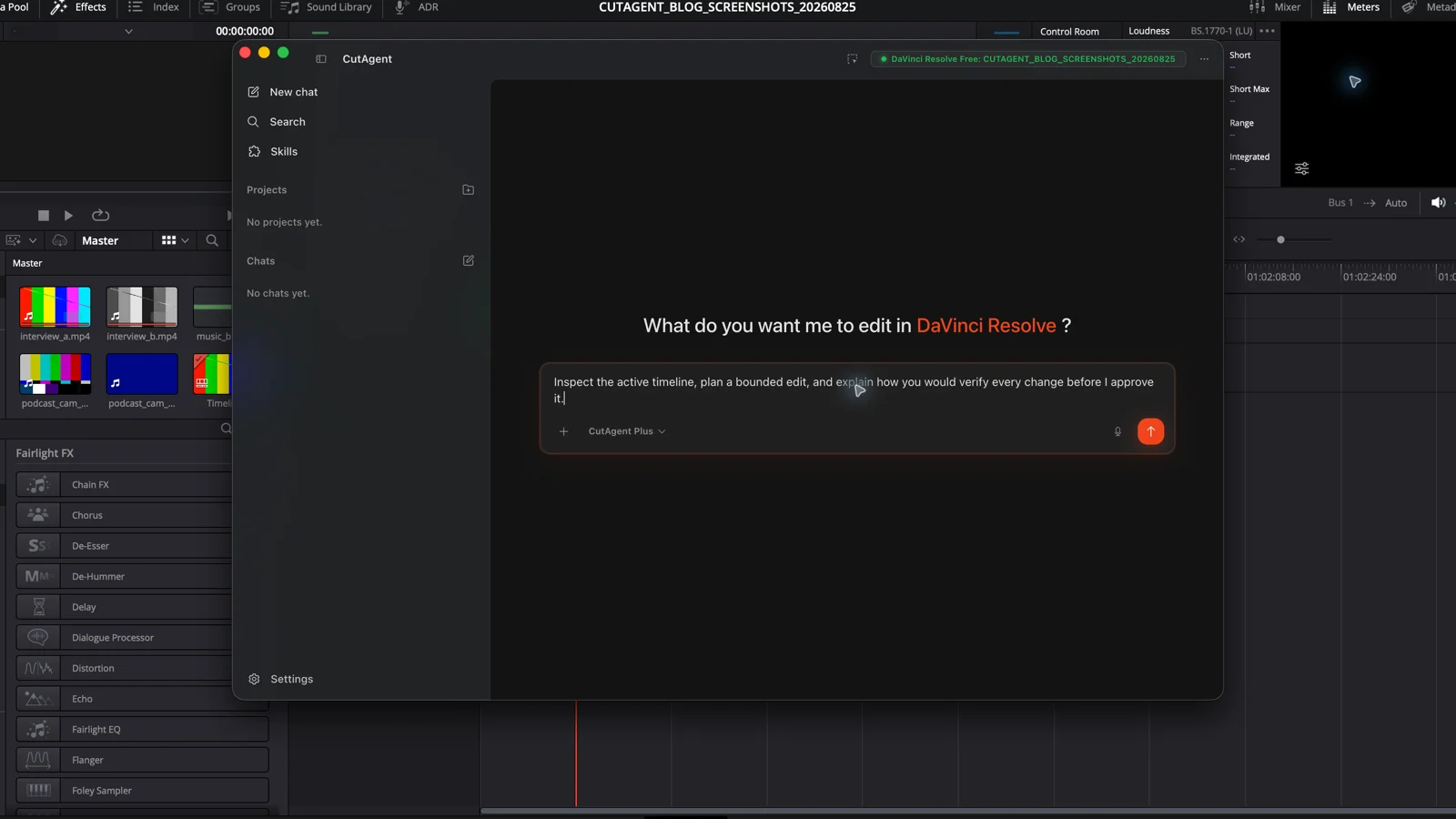
An AI agent can inspect a DaVinci Resolve project, choose supported editing tools, carry out a bounded task, and report evidence for an editor to review.
Read the guide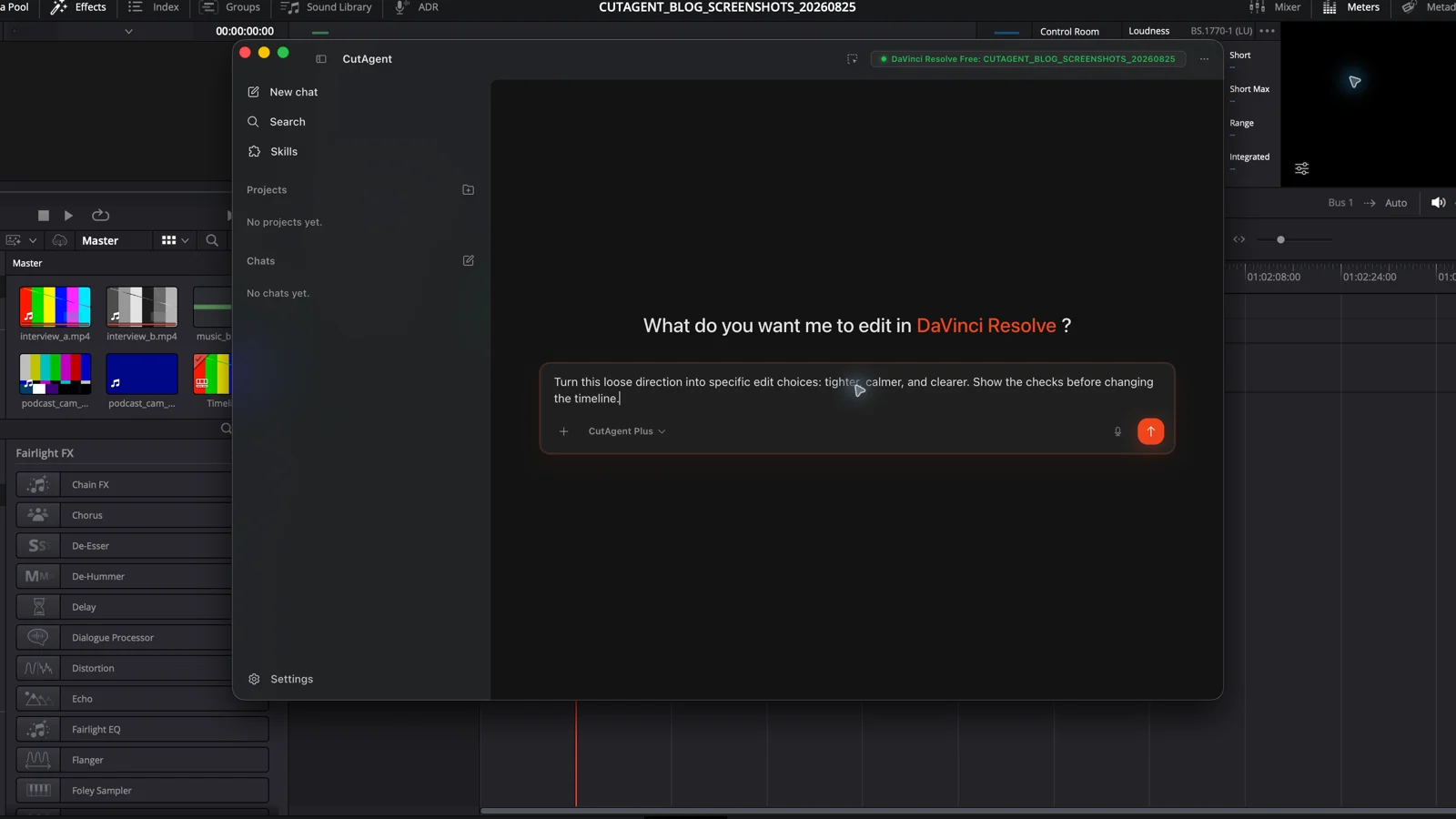
Vibe editing is informal shorthand for directing an AI-assisted video edit through intent and feedback. Here is how to make that workflow reviewable.
Read the guide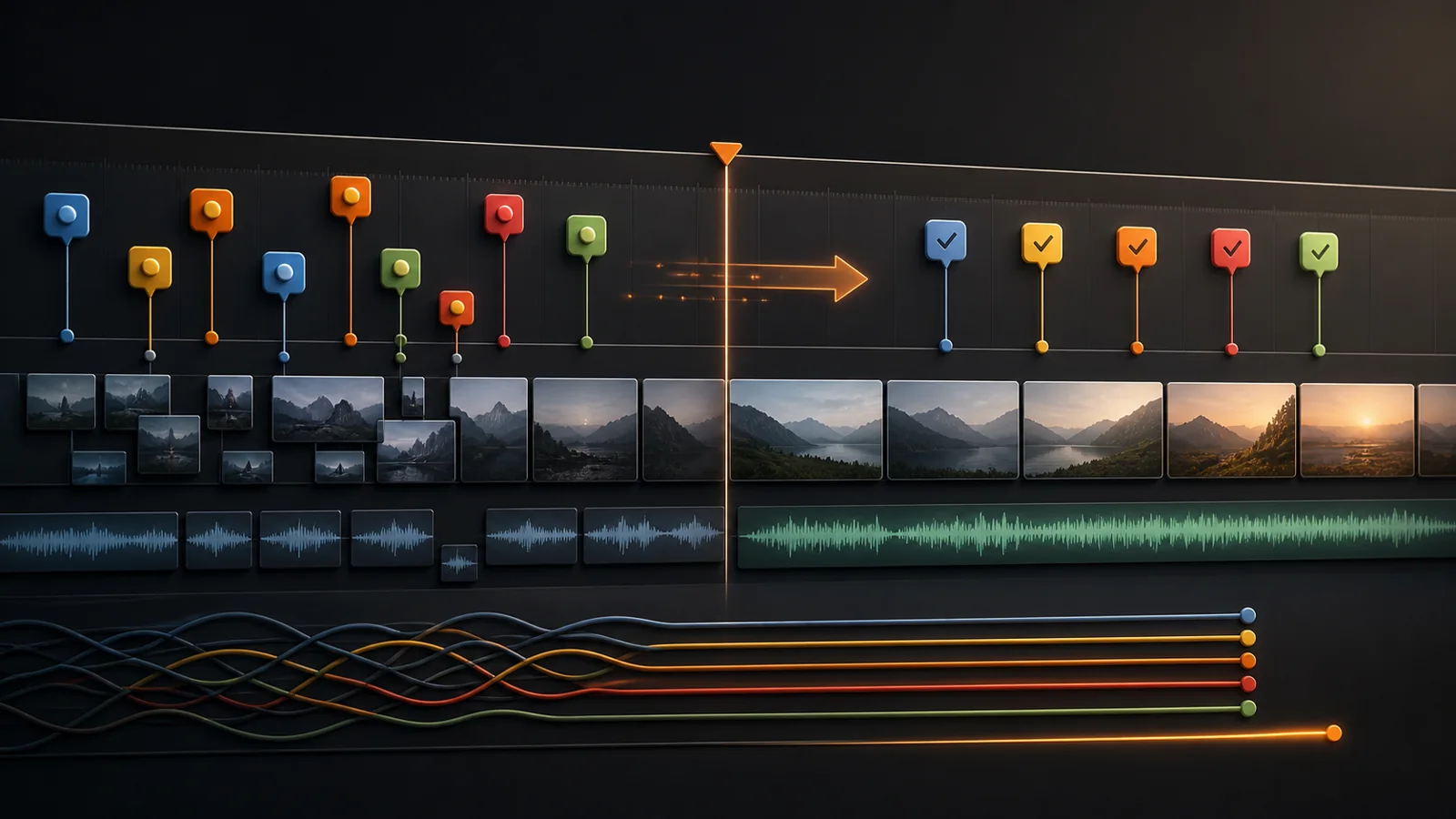
Convert client notes and transcript findings into scoped DaVinci Resolve markers, then clear the queue without losing context or changing the wrong shot.
Read the guide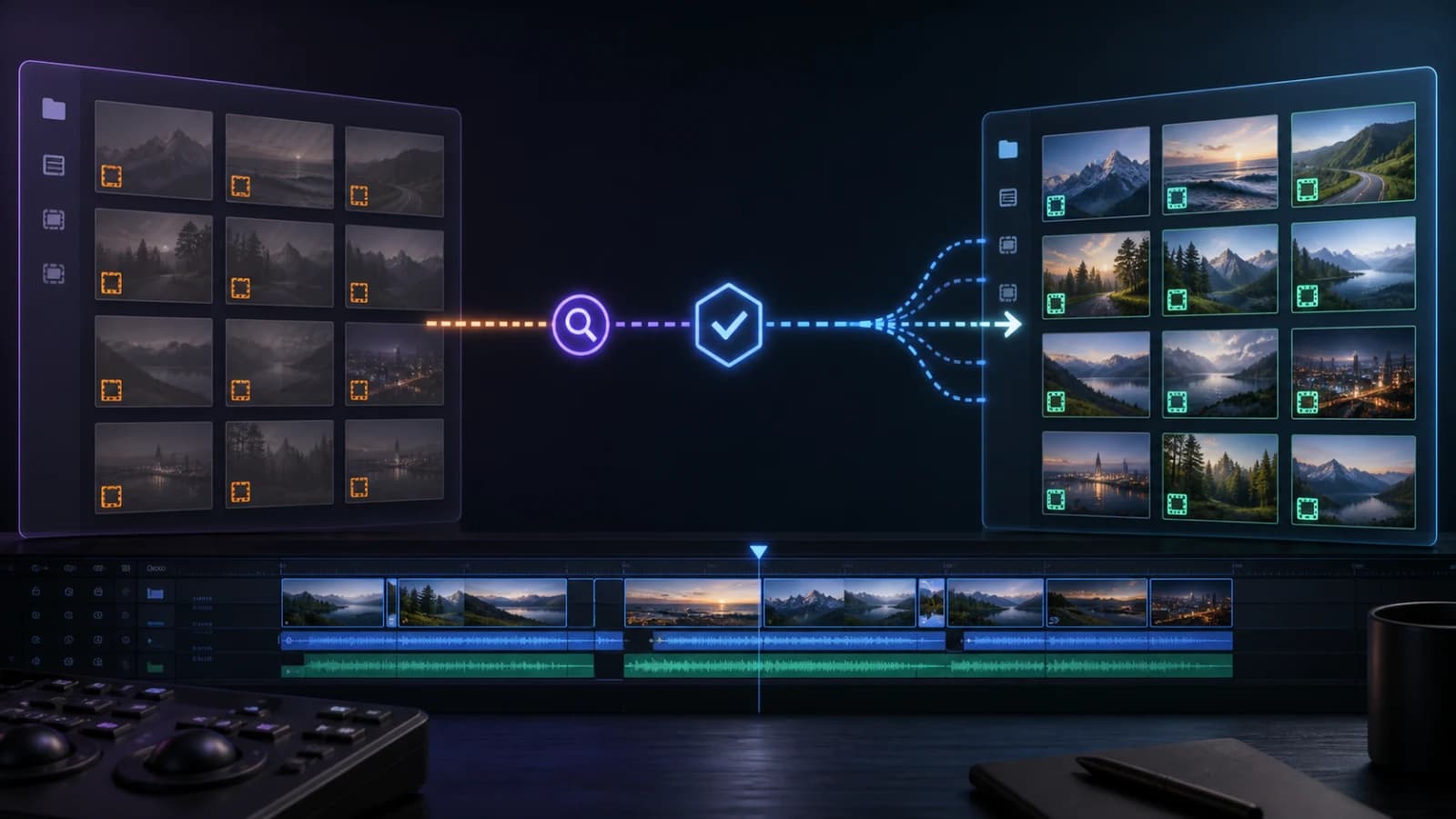
Diagnose why clips are offline, test one exact source path, and verify picture, audio, timecode, and duration before relinking a larger batch.
Read the guide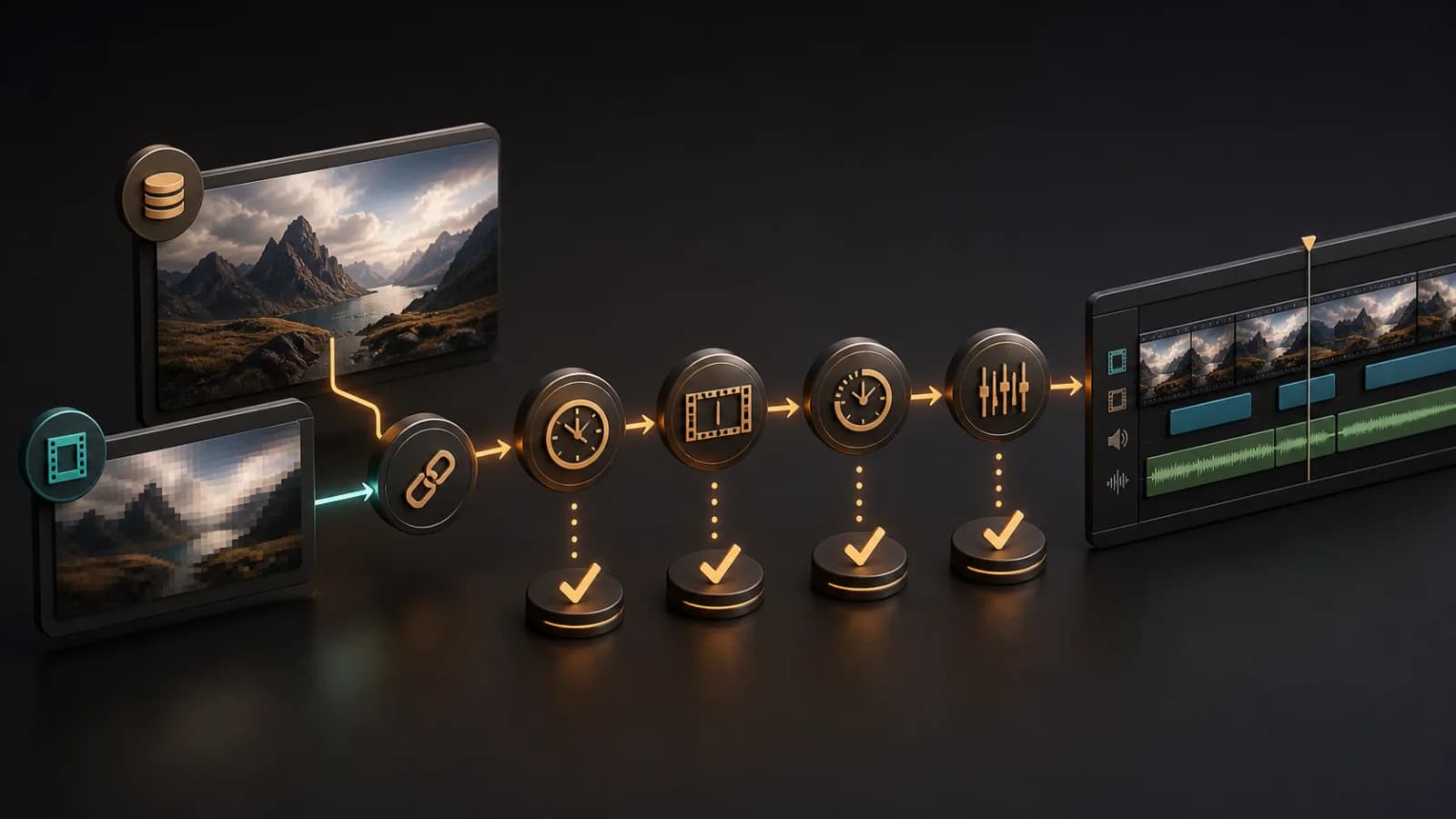
Build a DaVinci Resolve proxy workflow that preserves clip identity, survives handoff, and returns to camera originals without conform surprises.
Read the guide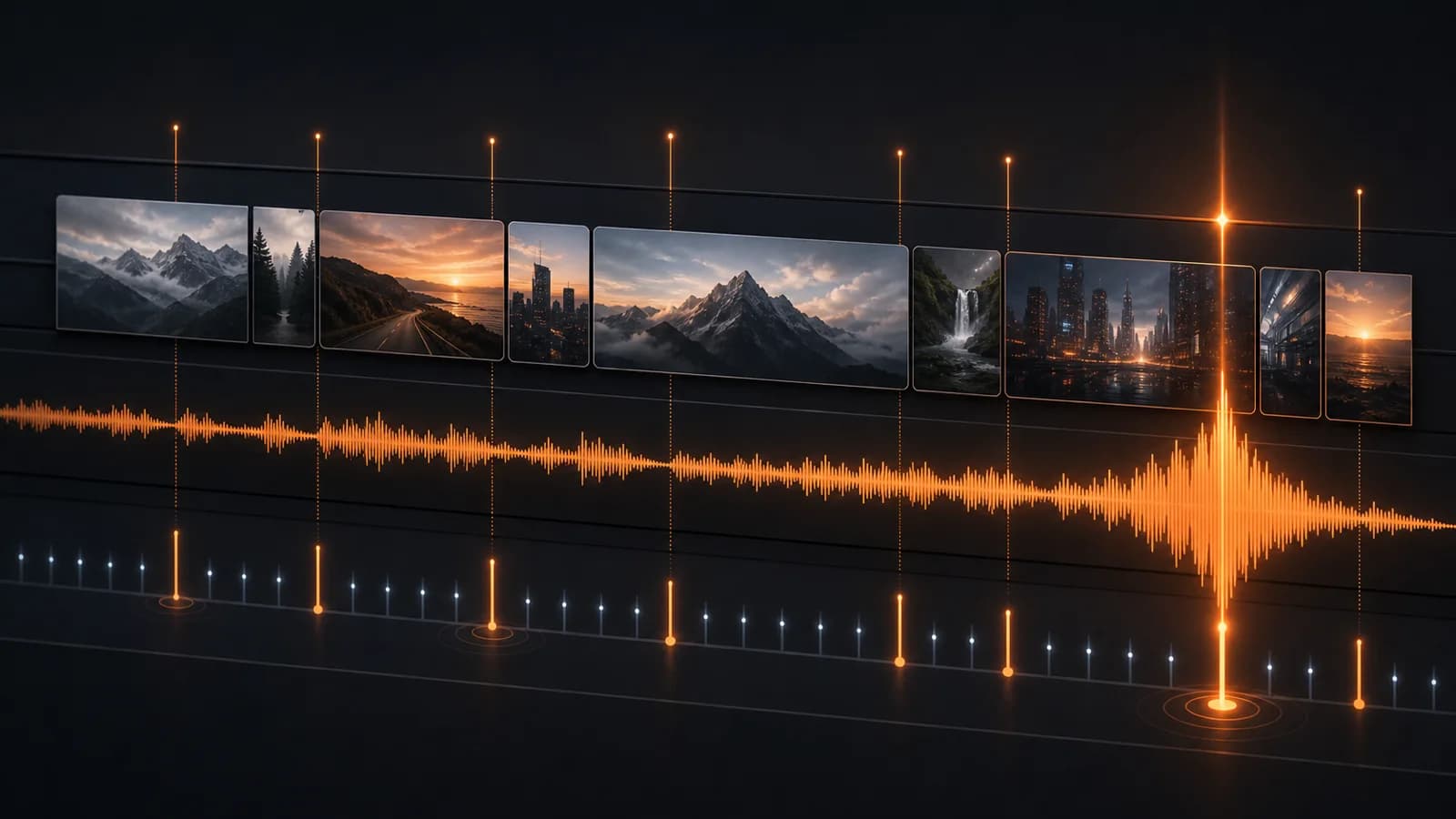
Use Detect Music Beats in DaVinci Resolve Studio 20 or place markers manually, then turn selected musical events into readable, purposeful cuts.
Read the guide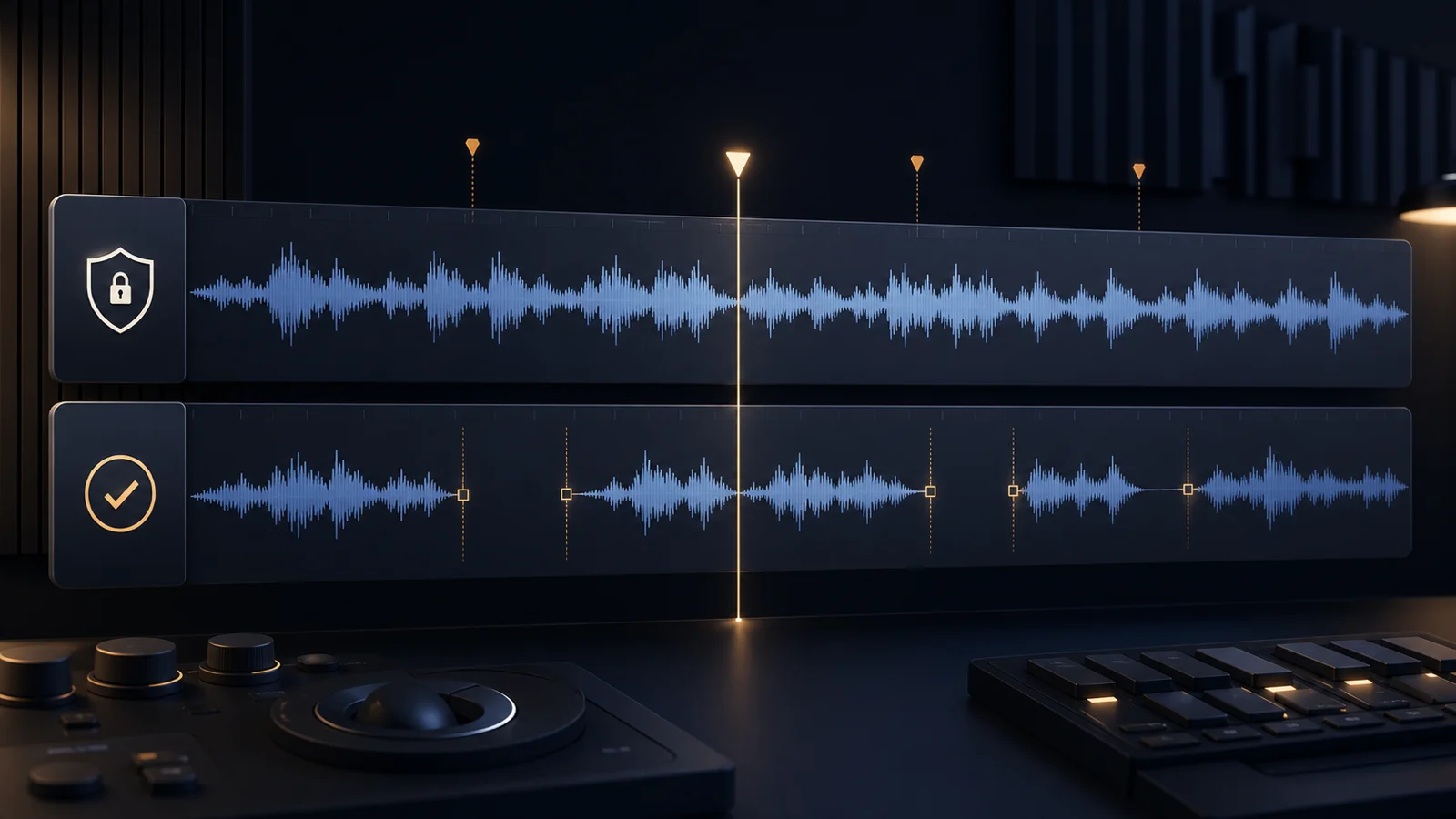
Use Ripple Delete Silence for one selected clip, or build a separate CutAgent timeline for a protected, reviewable pass across the edit.
Read the guide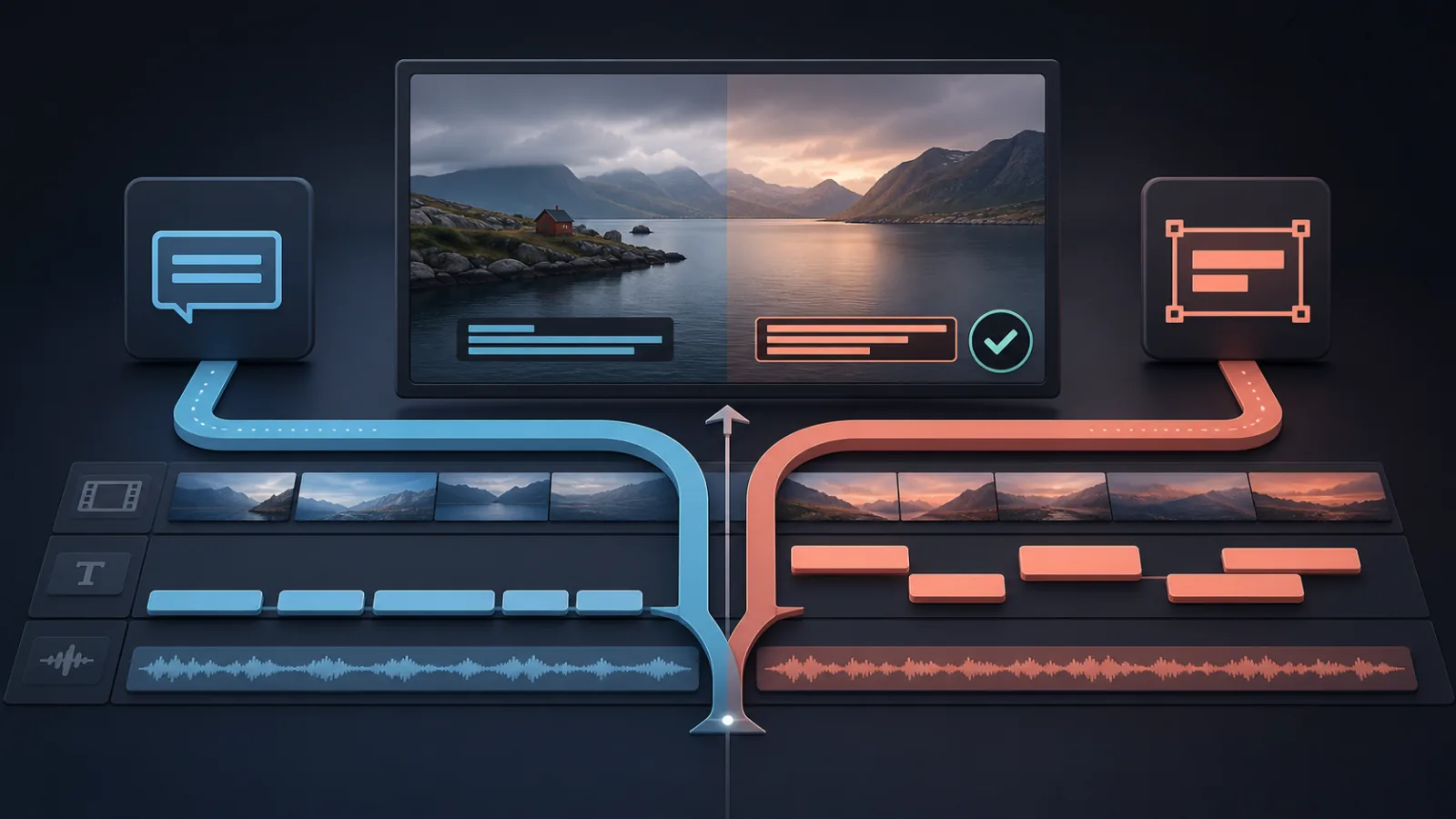
Create DaVinci Resolve captions from timeline audio in Studio, or import an SRT in Free, then choose an exportable subtitle track or designed Text+ clips.
Read the guide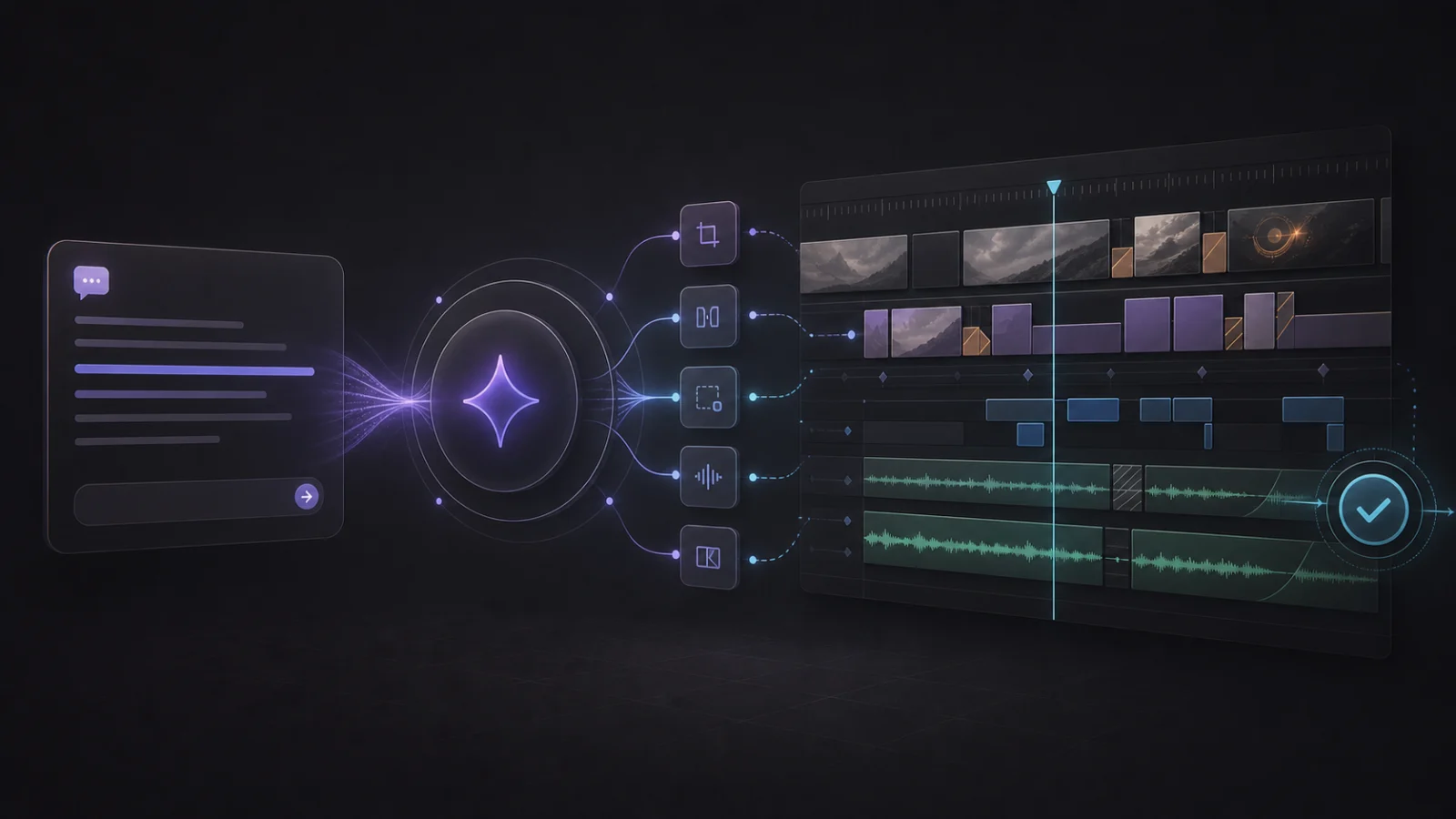
DaVinci Resolve offers Python and Lua scripting, not a general editing CLI. CutAgent CLI gives supported AI agents structured, reviewable editing tools.
Read the guide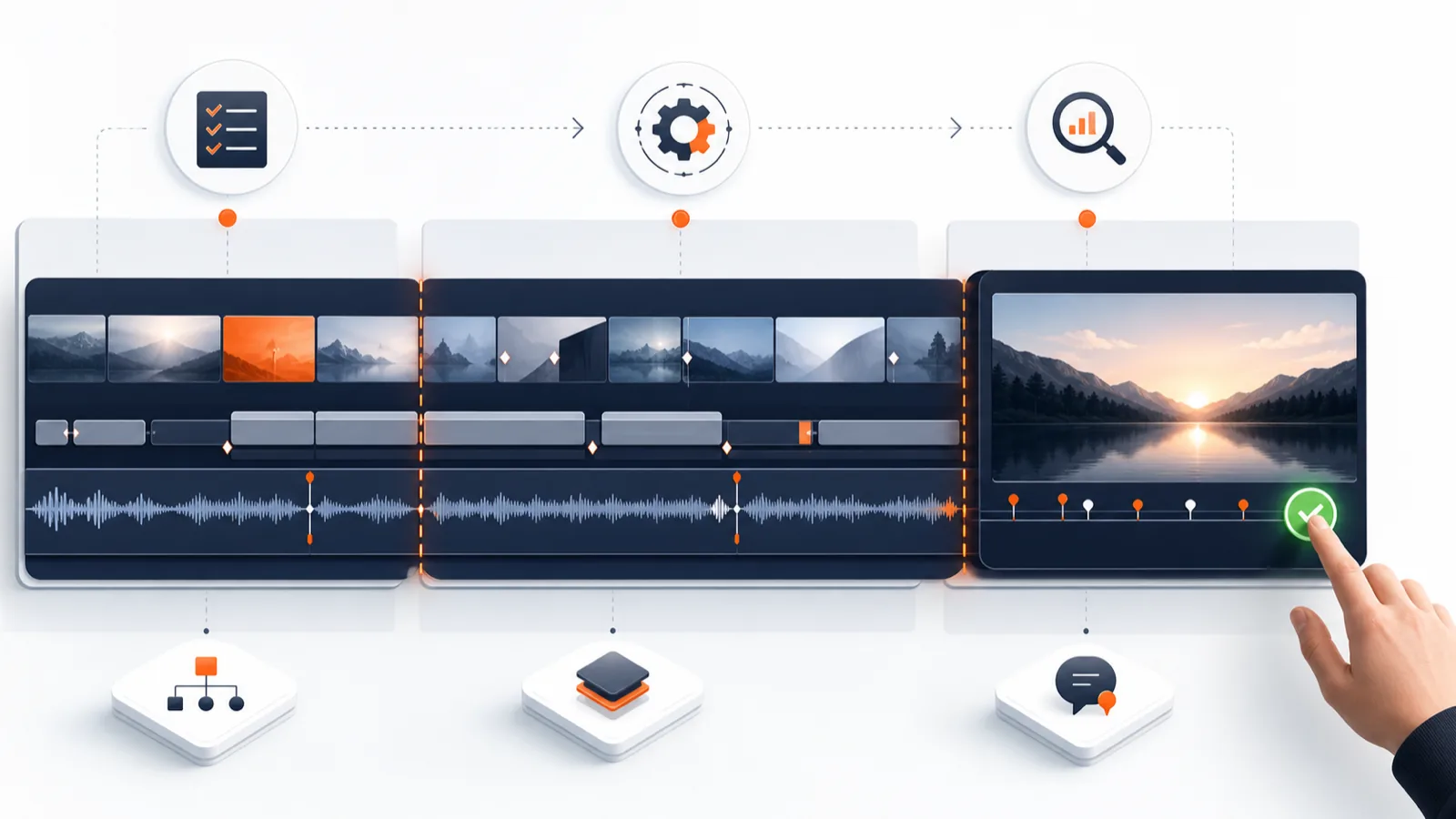
A practical framework for automating repetitive DaVinci Resolve work while keeping story, taste, and final approval in the editor's hands.
Read the guideCookie preferences
We use necessary storage for the site and optional analytics only if you accept it. Read the Cookie Policy.