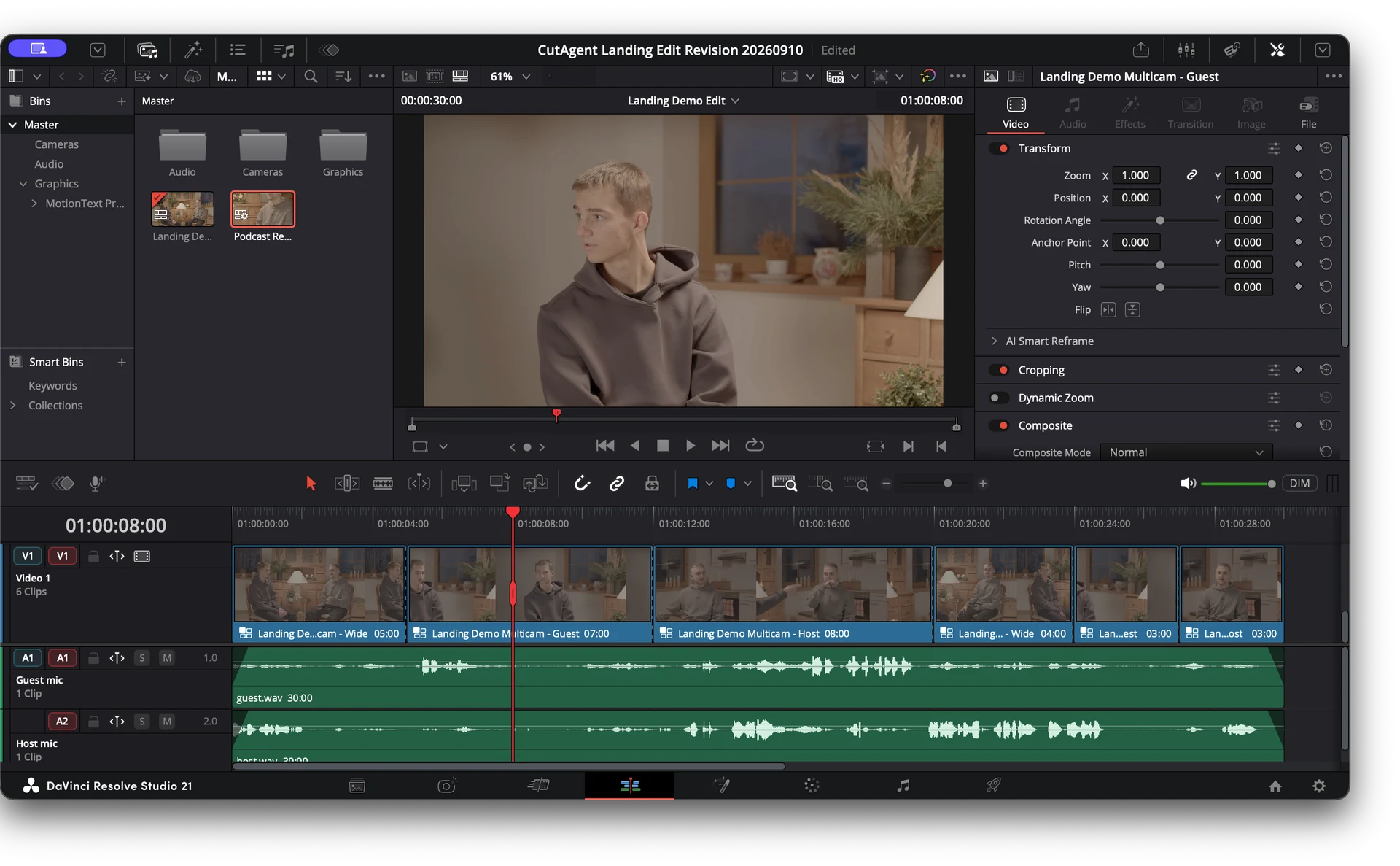
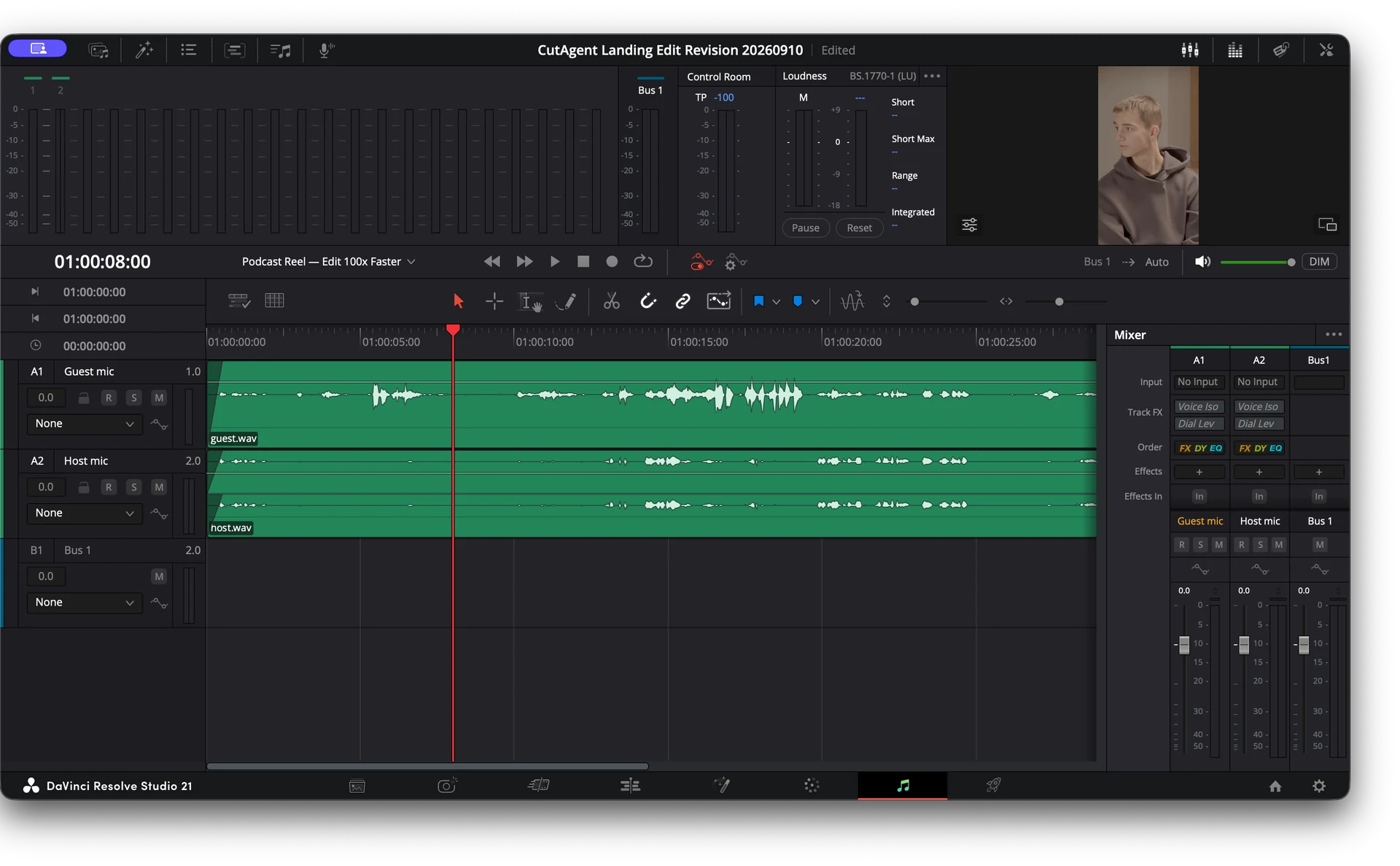
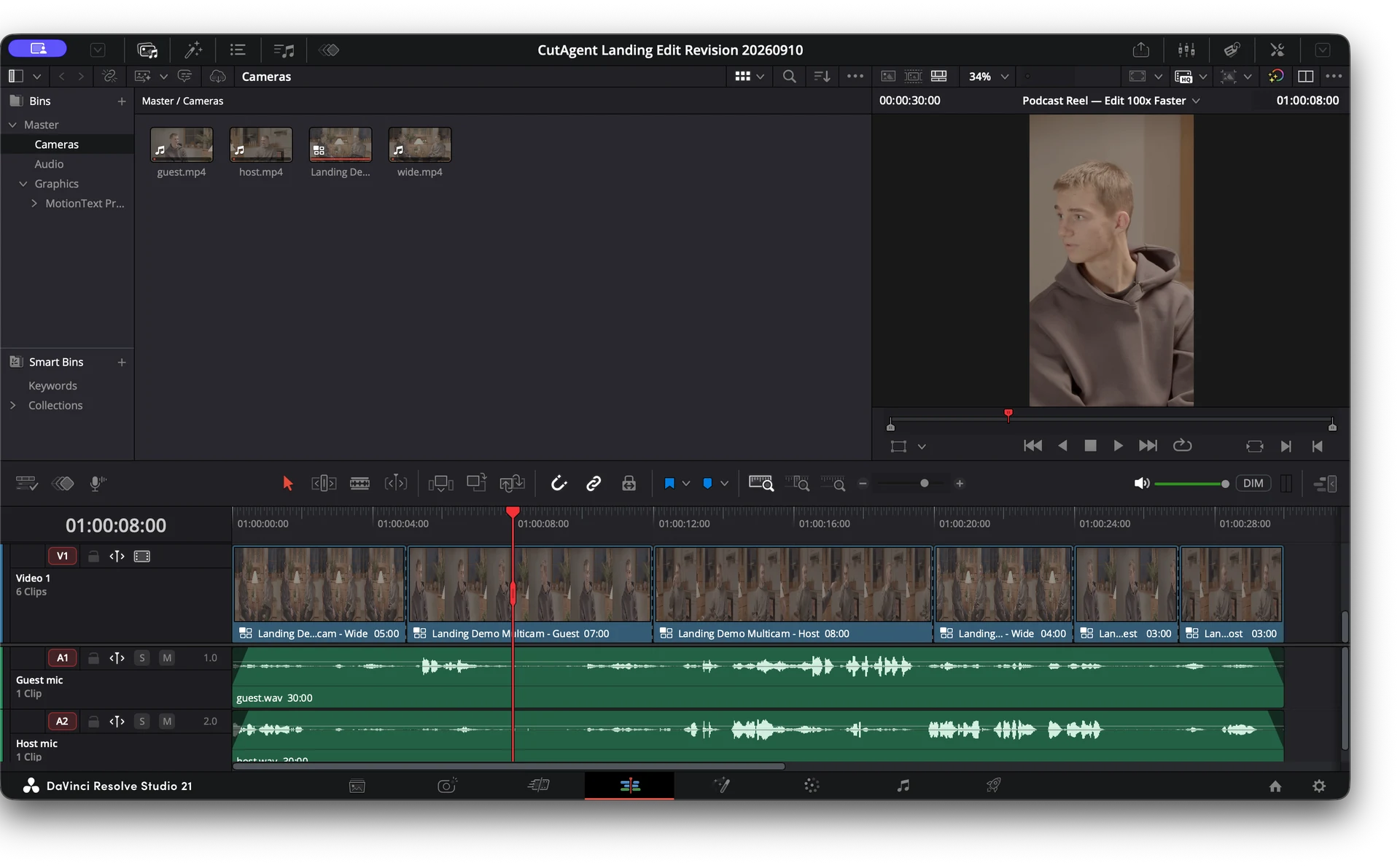
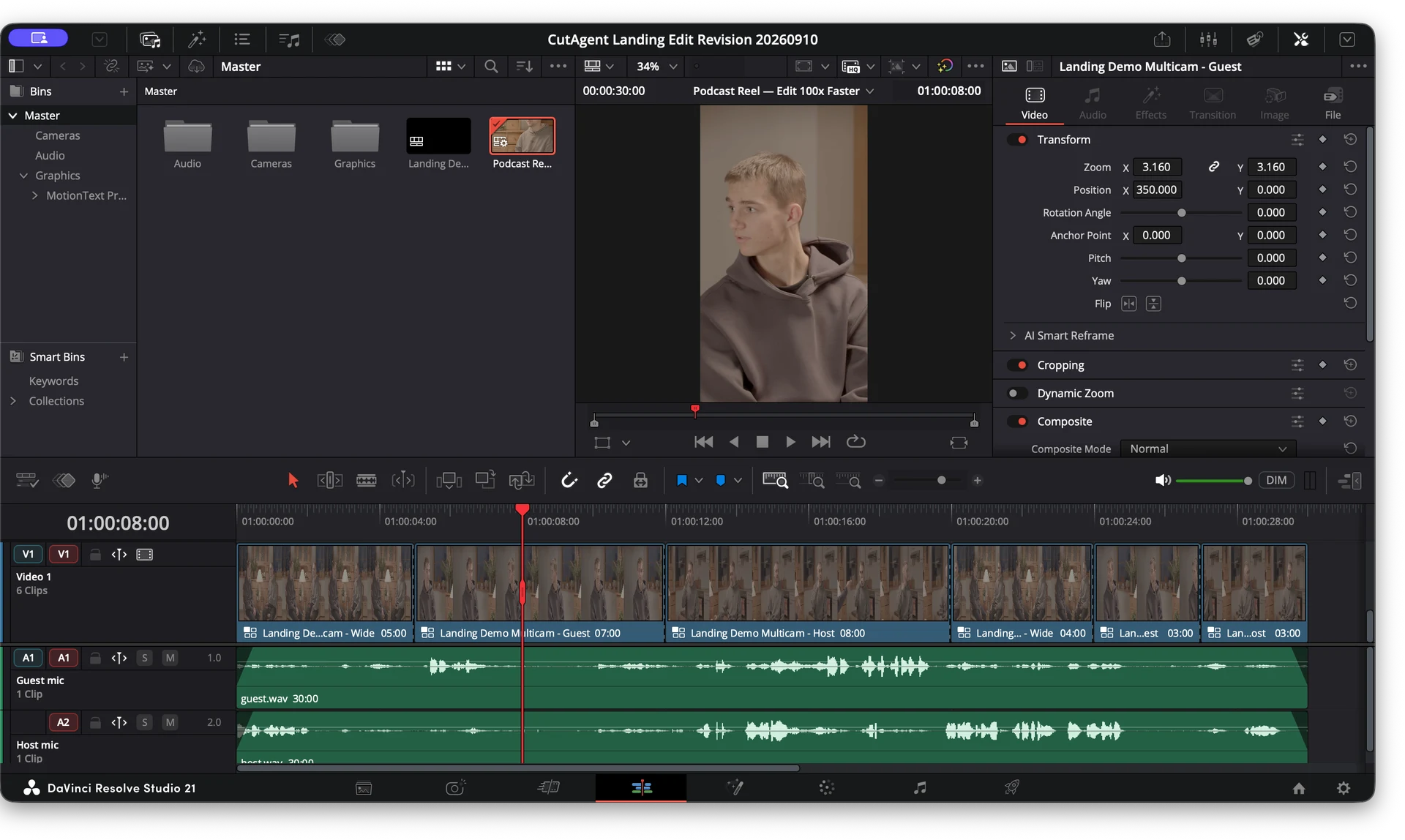
AI podcast editing in DaVinci Resolve
Build a reviewable AI-assisted podcast edit in DaVinci Resolve: sync and map sources, cut from transcripts, refine multicam switches, mix dialogue, and check delivery.
Read the guideNew
CutAgent is now open to everyone
The fastest way to edit in DaVinci Resolve. CutAgent lets you hand off editing tasks to an AI agent, so you can focus on taste, story, and creative direction.
Trusted by editors building faster cuts
DaVinci Resolve control, edit planning, tool execution, and verification in sync and ready to go.
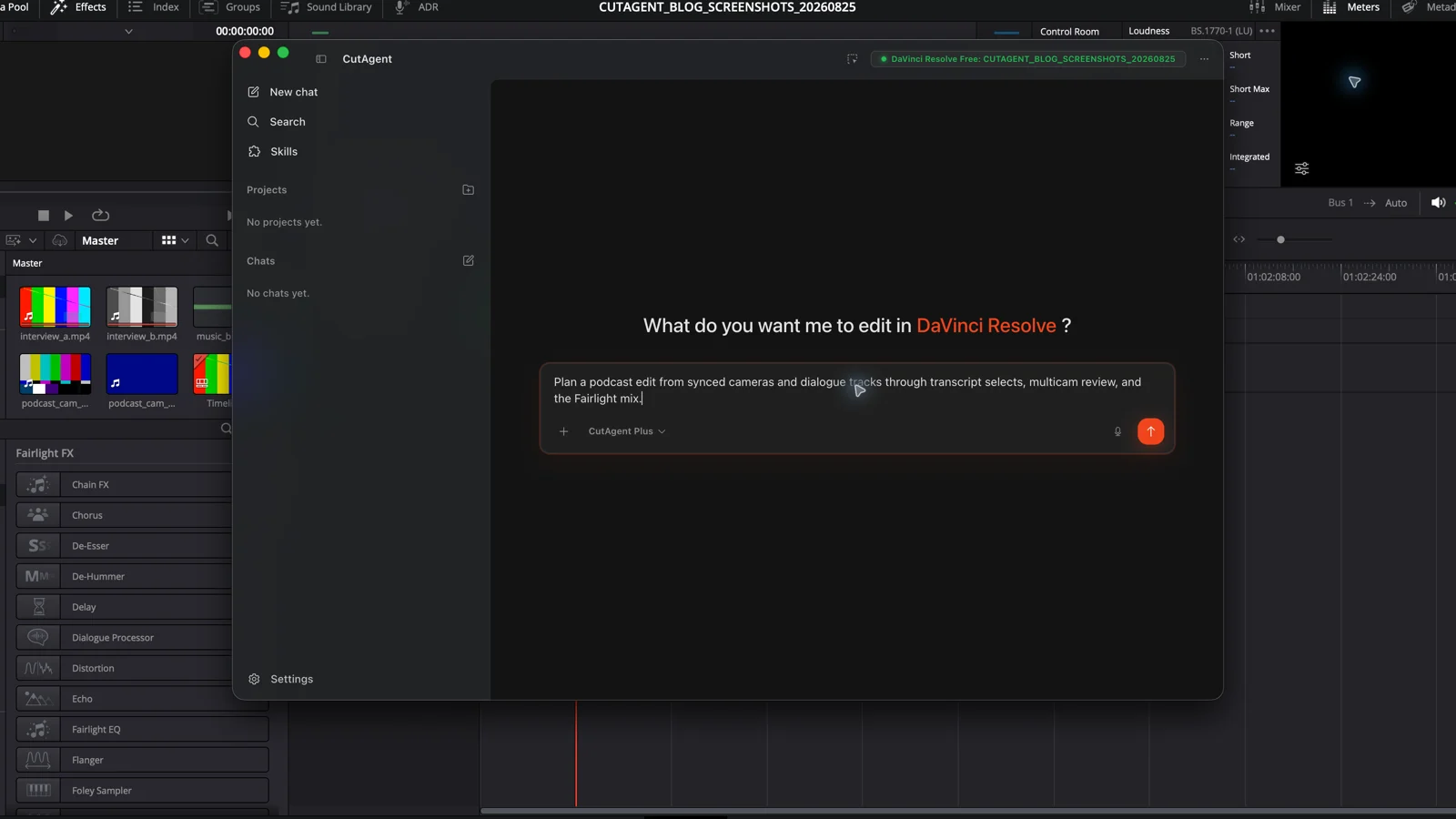
Describe the edit you want and let CutAgent coordinate DaVinci Resolve operations from your desktop.
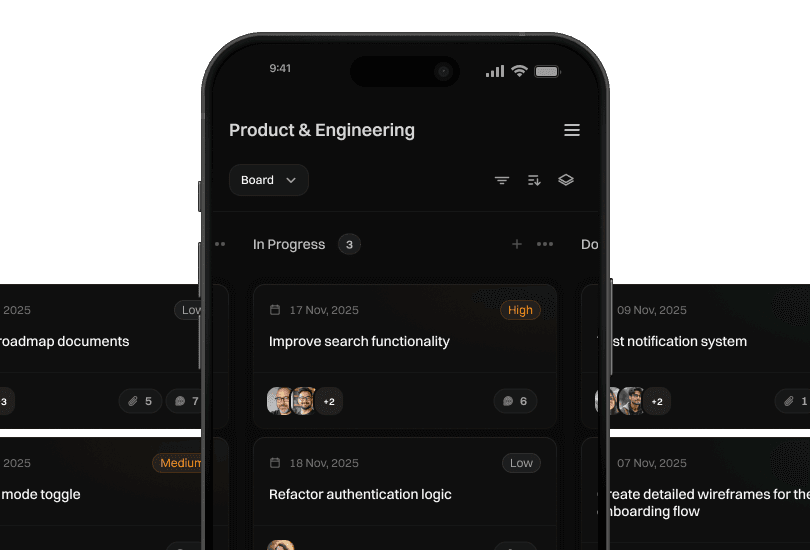
From quick social clips to longer client edits, CutAgent keeps the workflow calm.
Turn transcripts, selects, notes, and review requests into controlled DaVinci Resolve editing workflows.
Samuel
Erica
Read active project context, selected clips, transcripts, markers, and tool results before timeline work continues.
Run DaVinci Resolve workflows from the CutAgent desktop app instead of relying on browser-only automation.
Review summaries help editors understand what changed before export.
Connects the CutAgent desktop app with DaVinci Resolve and AI features while keeping your workflow in view.
Enterprise supports custom usage limits, onboarding, support, and done-for-you DaVinci Resolve skills.
This is how CutAgent helps editors move from instruction to finished timeline work.
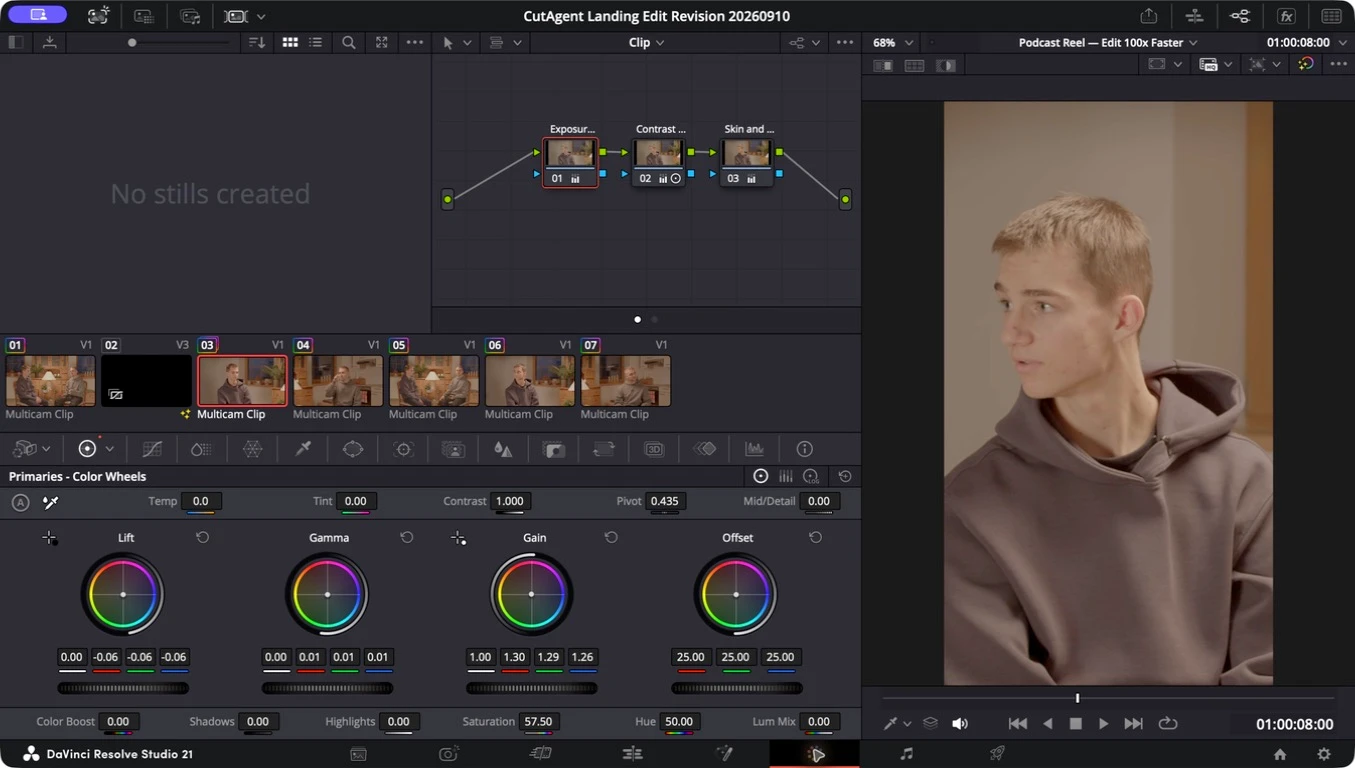
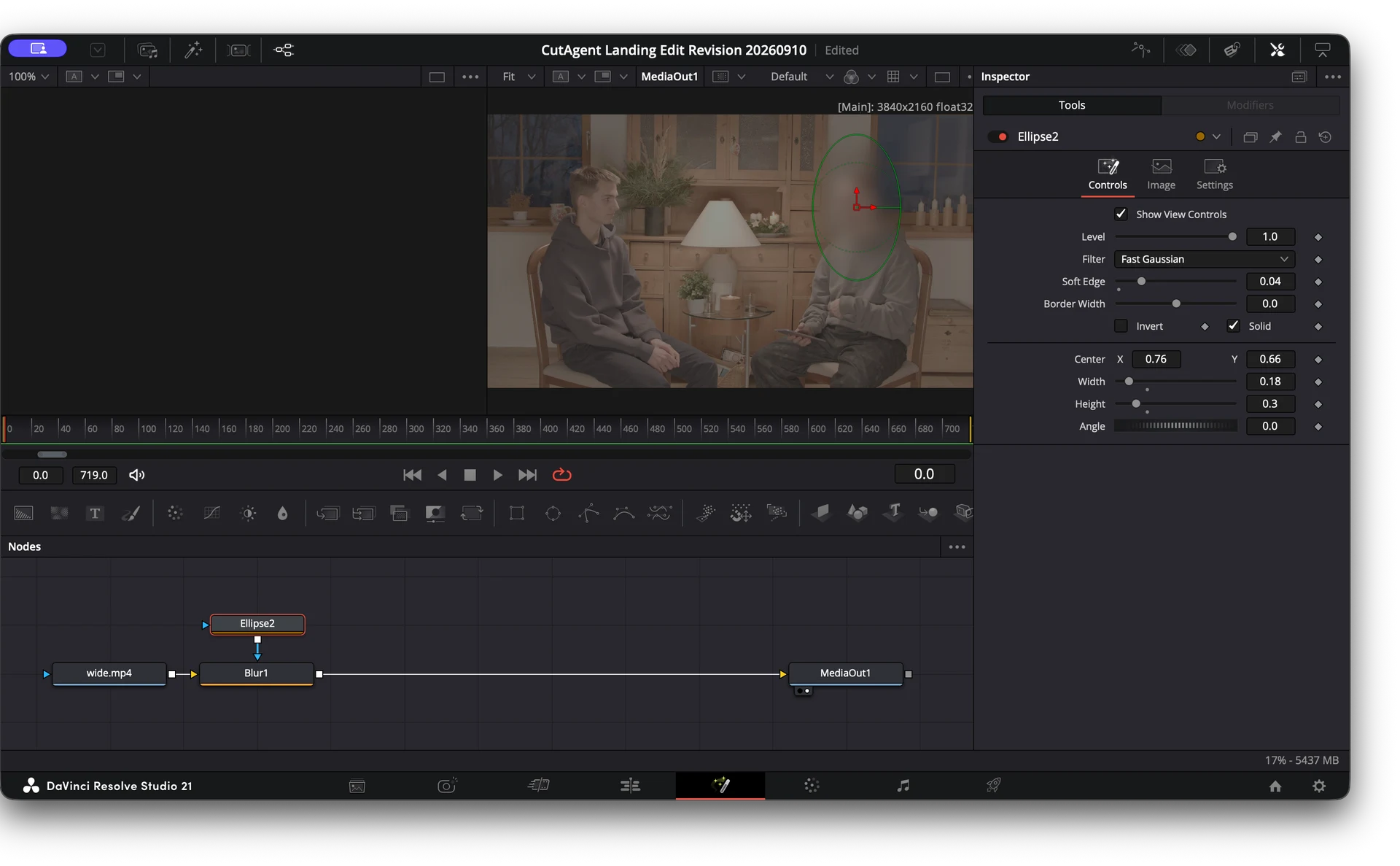
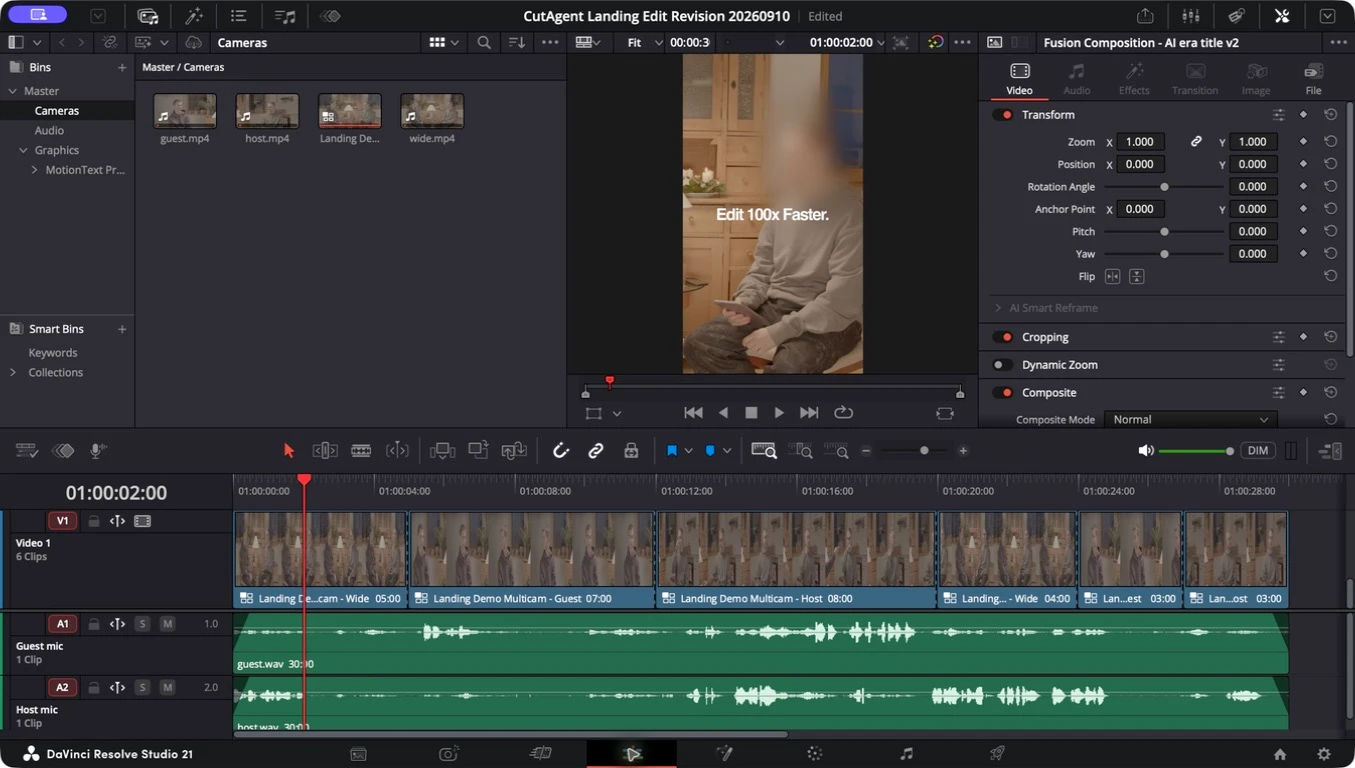
Give AI agents professional video editing capabilities inside DaVinci Resolve. Edit, color grade, work with multicam, Fairlight, Fusion, and more, without leaving the industry's leading editor.
Create custom AI skills for your workflow and reuse them across every project.
Let AI handle repetitive editing while you focus on creative decisions.
Let AI handle repetitive editing while you focus on creative decisions.
CutAgent SDK & CutAgent CLI
CutAgent SDK and CutAgent CLI connect your own AI agent to DaVinci Resolve. Setup instructions are on GitHub.
View on GitHubCutAgent field notes
Practical DaVinci Resolve workflow guidance for editors who want automation to protect their attention, not replace their judgment.
Build a reviewable AI-assisted podcast edit in DaVinci Resolve: sync and map sources, cut from transcripts, refine multicam switches, mix dialogue, and check delivery.
Read the guide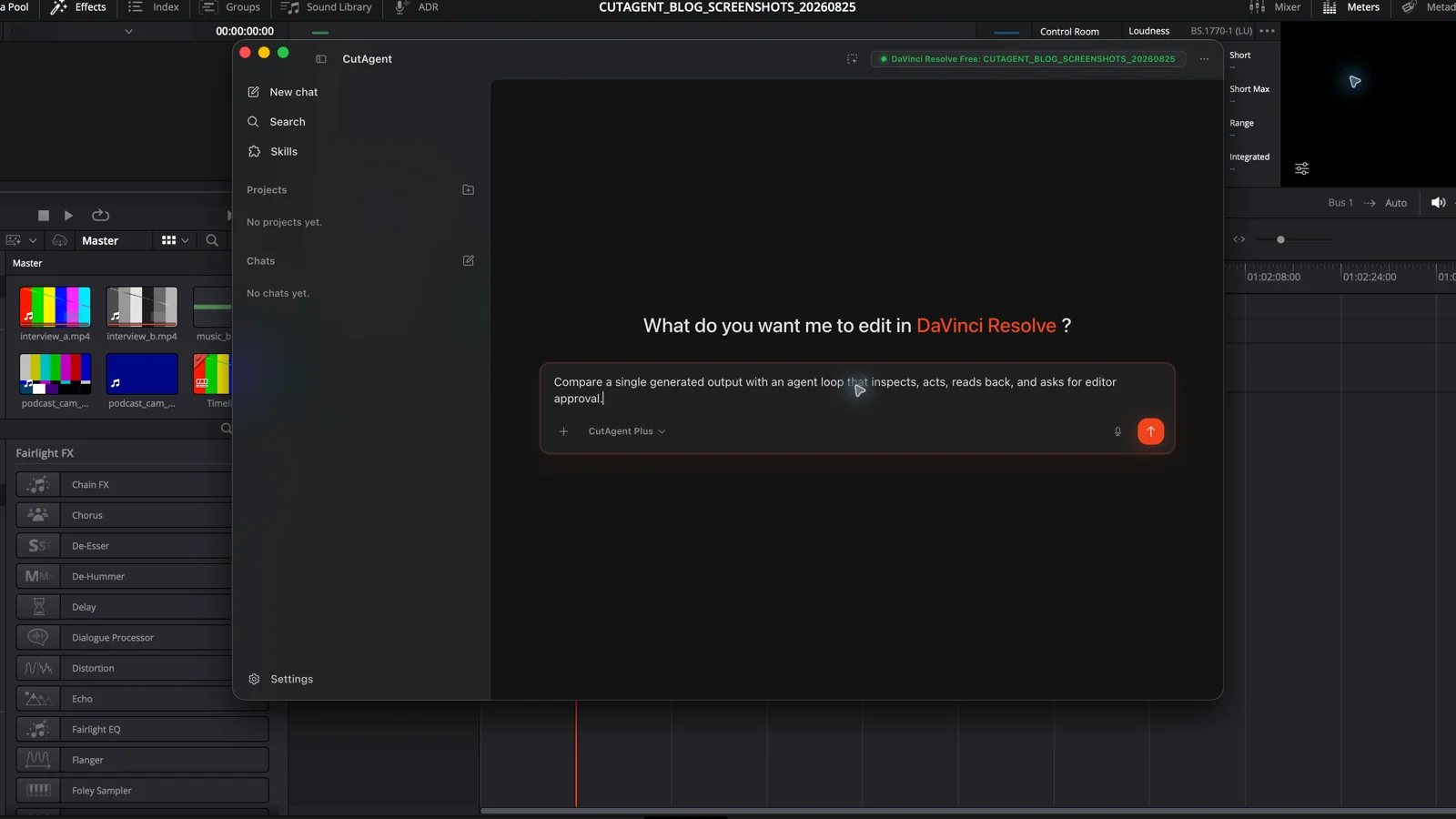
An AI video editor produces or changes an edit; an AI video agent can inspect context, choose supported tools, act in steps, and check the result.
Read the guide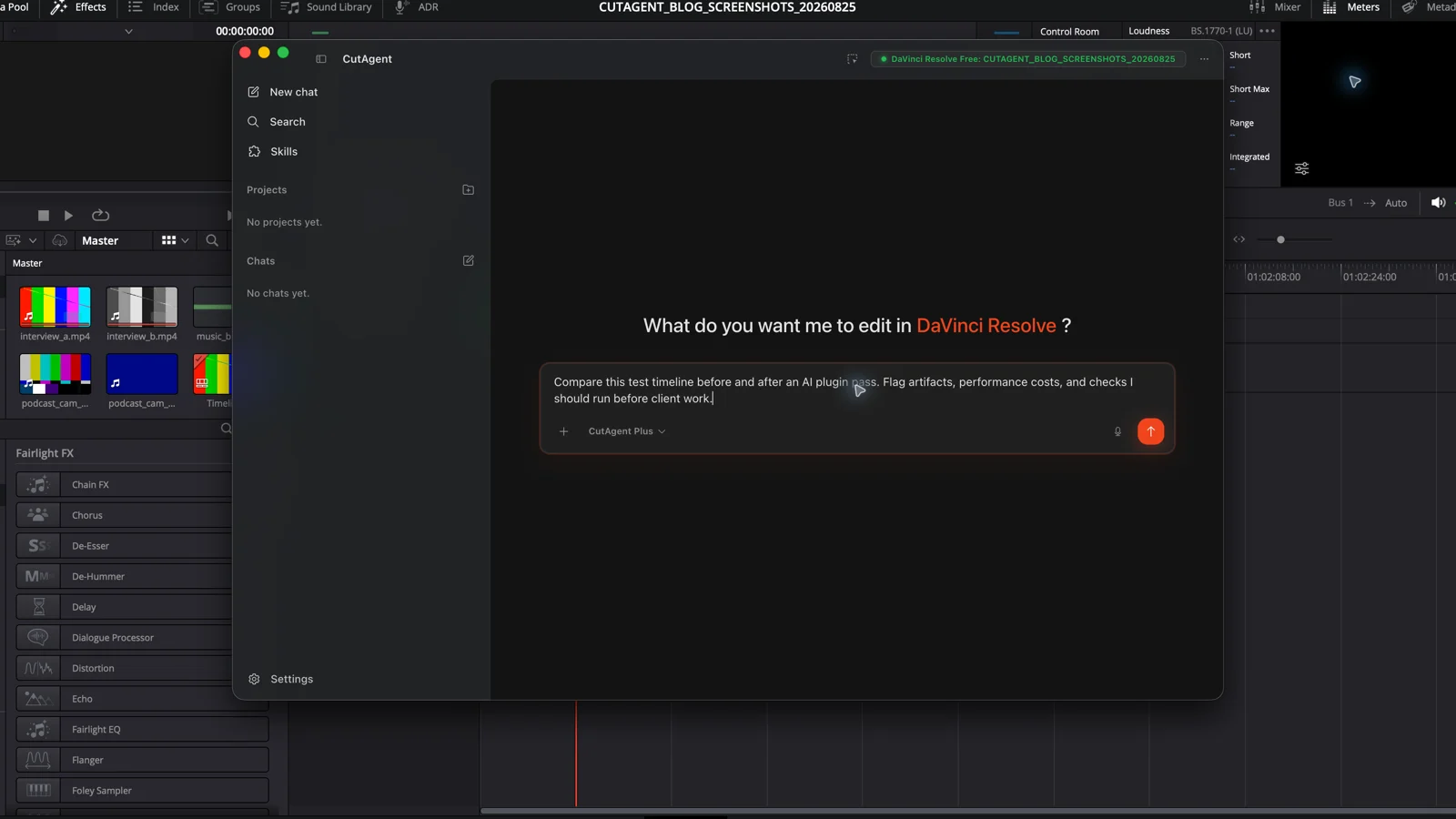
Compare the useful AI plugins for DaVinci Resolve in 2026, including Topaz Video and Colourlab Ai, with a practical test before you buy.
Read the guideCutAgent SDK and CutAgent CLI connect your own AI agent to DaVinci Resolve. Setup instructions are on GitHub.
View on GitHubYour next faster cut starts here. Try CutAgent and experience natural-language DaVinci Resolve control built for real editing work.