Claude and DaVinci Resolve: what AI agents can actually do
Claude can discuss an edit in chat. To inspect or change a real DaVinci Resolve project, it needs an agent runtime, a supported local tool layer, and a brief with a checkable result.
Short answer
Short answer
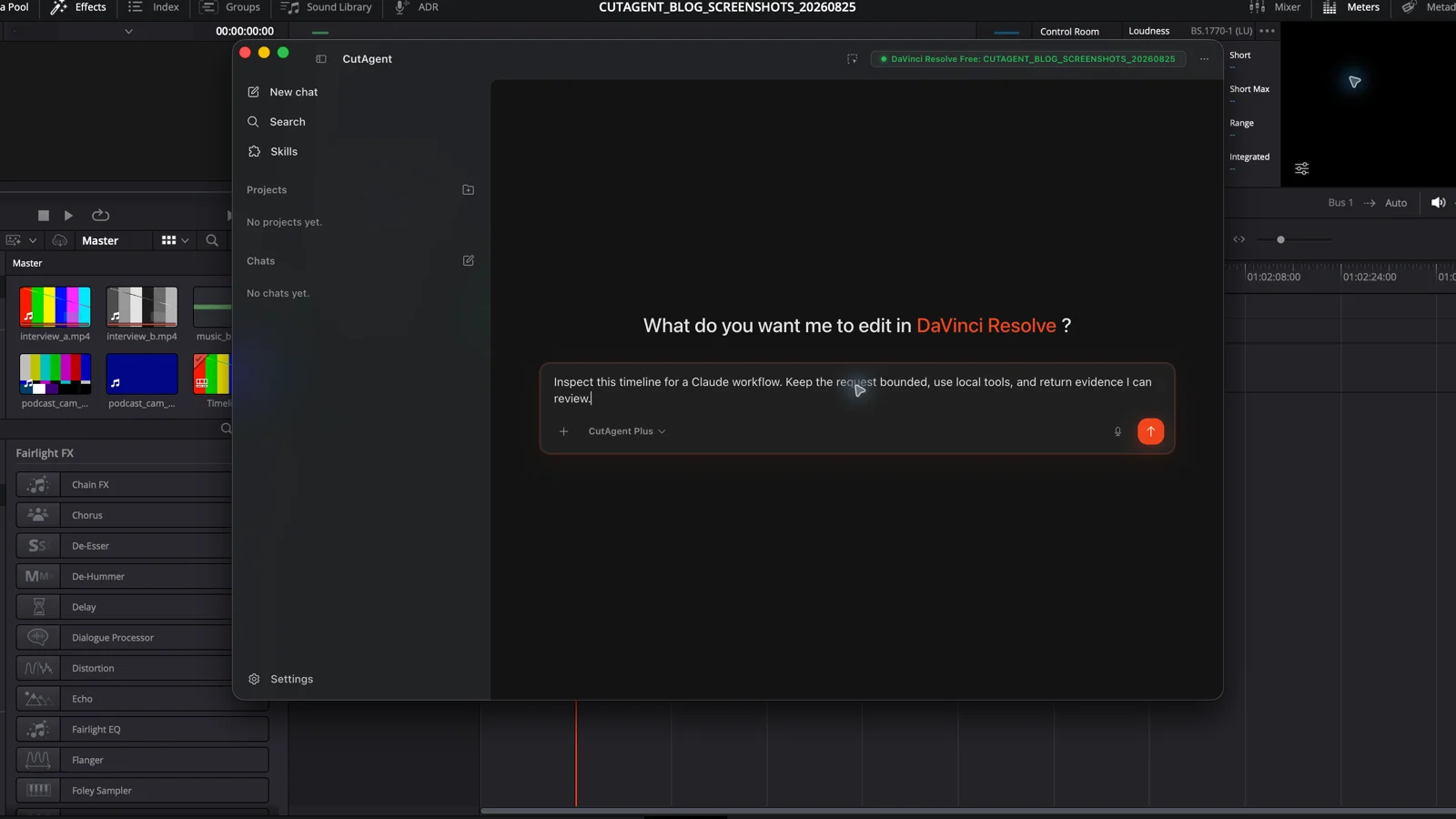
Claude can work on a DaVinci Resolve project only when it is running in a tool-using agent such as Claude Code and has a supported execution layer connected to the local app. With CutAgent CLI installed, Claude Code can inspect context, plan supported operations, run bounded changes, and read the results. It cannot judge story, performance, color, or mix quality for you, and a successful tool response still needs timeline review.
First decide which Claude you mean
A Claude conversation can analyze text you provide and suggest an editing approach. It cannot reach into an open DaVinci Resolve project by itself. The useful editing path starts with Claude Code or another tool-using agent that can call a local execution layer.
Anthropic describes Claude Code's agent loop as a cycle: Claude evaluates the request, calls tools, receives their results, and decides what to do next. CutAgent supplies the DaVinci Resolve-specific part of that path. Its public setup installs CutAgent CLI and the CutAgent skill for supported agents including Claude Code.
| Setup | What Claude receives | What it can do |
|---|---|---|
| Claude chat | Your prompt and anything you attach | Discuss the edit, draft a plan, or format notes |
| Claude Code without CutAgent | Local files and its configured tools | Work with accessible files, but no supported CutAgent route into the timeline |
| Claude Code with CutAgent CLI | The brief, CutAgent skill, live command results, and available DaVinci Resolve context | Inspect and run supported local DaVinci Resolve operations, then report the result |
A real editing task has to pass three gates
Use three questions before handing Claude a timeline task: Can the agent access the required state? Can you specify the change without asking it to invent taste? Can you prove the result in DaVinci Resolve? A task that fails any one of these questions is still a conversation, not a reliable editing handoff.
| Gate | Pass condition | Failure example |
|---|---|---|
| Access | The agent can identify the active project, timeline, media, or selected items needed for the job | The brief refers to a client cut that is not open or names no target timeline |
| Specification | The target, change, protected areas, and stop conditions are explicit | “Make this scene more cinematic” leaves story, grade, sound, and scope undefined |
| Proof | The agent can read back the changed state and the editor can inspect the relevant timeline, picture, or sound | A command reports success, but nobody checks the edit point, sync, frame, or mix |
Give Claude bounded work with visible acceptance criteria
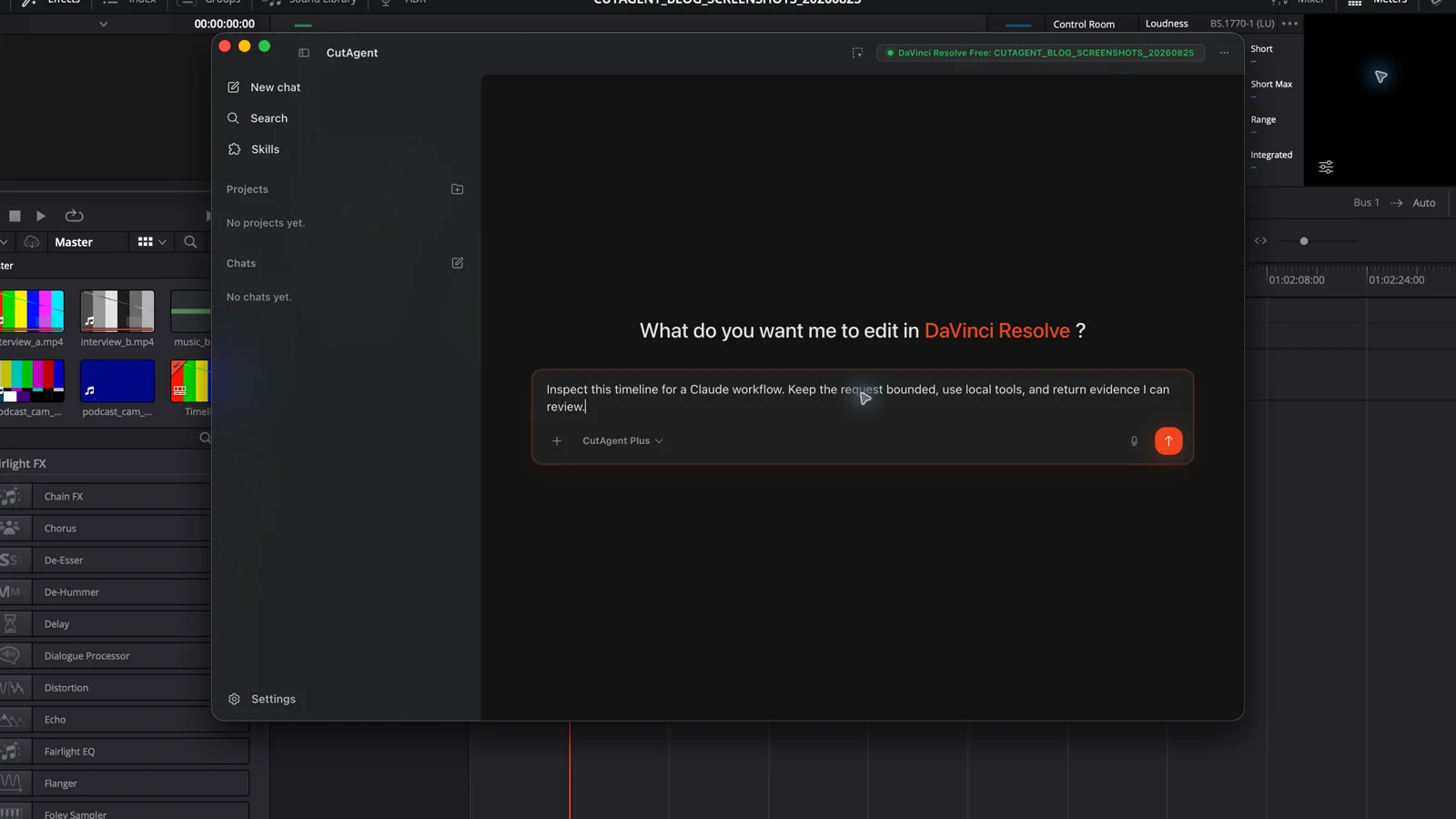
The strongest first jobs are inspections and small preparations. CutAgent's public workflow can expose active project context, selected clips, transcripts, markers, and tool results. That makes tasks such as inventorying a timeline, turning exact review notes into markers, or checking a named delivery condition easier to bound than an open-ended request to improve the edit.
| Job | Useful agent output | Editor check |
|---|---|---|
| Timeline inventory | Exact timeline name, duration, track layout, and relevant item list | Confirm the intended project and timeline are active |
| Review-marker pass | Markers created from supplied notes with names, colors, and timecodes reported back | Compare every canary marker with the original note and picture |
| Caption or transcript preparation | Flagged text, speaker, timing, or formatting issues within the requested scope | Read for meaning and watch at playback speed |
| Defined timeline operation | A reported change against an exact clip, track, range, or timeline | Watch through joins and check sync, effects, keyframes, and downstream tracks |
| Delivery inspection | Pass or fail against named technical conditions, without starting a render unless authorized | Verify the preset, output path, captions, mix, and a representative exported file |
Availability depends on the installed CutAgent version, the live project, and the DaVinci Resolve edition. Blackmagic Design adds scripting coverage feature by feature; for example, its DaVinci Resolve 20.2 feature guide documents scripting support for subtitle settings in render jobs and timeline or Media Pool clip names. Ask the agent to inspect current capabilities before it promises a route.
Keep taste and high-consequence approvals with the editor
Claude can apply a rule you state. It cannot supply the missing editorial standard. “Keep pauses under 12 frames except after the reveal” is a testable instruction. “Make the interview feel premium” asks the agent to guess at performance, pacing, sound, graphics, and brand tone all at once.
- Keep the final choice of performance, reaction, and story order with the editor.
- Review rhythm across the sequence, even when every individual edit is technically valid.
- Approve final color and sound by looking and listening; parameter readback cannot judge the experience.
- Treat relinks, broad ripple changes, overwrites, exports, and delivery actions as higher-consequence work with tighter checkpoints.
- Stop when the target is ambiguous. A plausible guess in the wrong timeline is still a wrong edit.
Anthropic's Claude Code permissions documentation separates read-only tools from shell execution and modifications, with configurable allow, ask, and deny rules. Those controls govern whether a tool may run. Your brief still has to govern what may change in the edit.
Brief Claude like an assistant editor who must show the work
Name the context, target, action, exclusions, stop condition, and proof. Avoid hiding several approvals inside one sentence. Let the agent inspect first, then authorize the smallest useful change.
Inspect the open DaVinci Resolve project and active timeline. Make no changes. Report the exact project and timeline names, timeline duration, video and audio track count, selected clips, and any offline media you can verify. If the required state is unavailable, say what is missing.
On the active timeline Client review v07, add one yellow timeline marker named “Check legal line” at 01:00:32:12 with the supplied client note in its text. Change nothing else. Stop if the project, timeline, frame rate, or timecode is ambiguous. Read the marker back and report its name, color, and exact timecode.
Inspect Interview assembly v04 and propose a plan for applying the supplied review notes. Do not edit yet. Separate exact mechanical changes from notes that require story or performance judgment. For each proposed operation, name the target, expected result, verification step, and anything you cannot safely determine.
Start with inspection, then earn a wider scope
The practical path is editor → Claude Code → CutAgent CLI → the local DaVinci Resolve project → editor review. CutAgent's current product page documents agent support installation for Claude Code and DaVinci Resolve 20 or later on macOS and Windows, including Free and Studio. Individual actions can still depend on the edition and live capabilities.
Start with the read-only prompt above. Then run one marker canary on a project copy or a clearly disposable test timeline. Move to a larger batch only after the target, tool result, and timeline state agree. The separate DaVinci Resolve CLI guide covers installation details and the execution layer; the review-marker workflow explains how to structure a real notes queue.
If the work includes confidential transcripts, client media, or unrelated personal data, check the data path before sharing it. CutAgent's security and data-use page explains that many DaVinci Resolve operations run locally while hosted features may receive prompts, context, transcripts, audio, metadata, command outputs, and verifier results when needed.
Sources and further reading
- How the agent loop works - Anthropic. Accessed August 25, 2026.
- Configure permissions - Anthropic. Accessed August 25, 2026.
- DaVinci Resolve 20.2 New Features Guide - Blackmagic Design. Accessed August 25, 2026.
- CutAgent product page and agent support FAQ - CutAgent. Accessed August 25, 2026.
- Security and Data Use - CutAgent. Accessed August 25, 2026.