DaVinci Resolve MCP server explained
MCP standardizes the connection between an AI client and editing tools. It does not guarantee DaVinci Resolve coverage, safe targeting, or a correct timeline result.
Short answer
Short answer
A DaVinci Resolve MCP server is an adapter that exposes selected project or editing operations to an MCP-capable AI client as tools, resources, or prompts. MCP standardizes how the client discovers and calls those capabilities. The server still needs a real implementation for every DaVinci Resolve action, plus target checks, authorization, error handling, and result verification. Installing an MCP server does not by itself give an agent complete or safe control of DaVinci Resolve.
What a DaVinci Resolve MCP server actually is
Model Context Protocol defines a common way for an AI host to connect to servers. A server can publish tools that take actions, resources that provide context, and prompts that package a user-invoked workflow. For DaVinci Resolve, the useful part is usually a tool catalog: inspect the active timeline, add a marker, create a bin, start a render, or run another operation the server author has implemented.
The protocol ends at that connection contract. It does not know what a timeline is, add missing coverage to Blackmagic Design's scripting API, or prove that an edit looks right. A tool named add_marker is only as reliable as the code behind it and the checks around its target.
| Layer | Responsibility |
|---|---|
| Editor | Names the intended project, timeline, change, boundaries, and approval check |
| MCP host and client | Connects to the server, presents available capabilities, and manages tool calls and consent |
| DaVinci Resolve MCP server | Defines tool schemas, validates inputs, invokes its editing backend, and returns results |
| Editing backend and DaVinci Resolve | Performs the supported operation against the real project state |
Follow one request through the stack
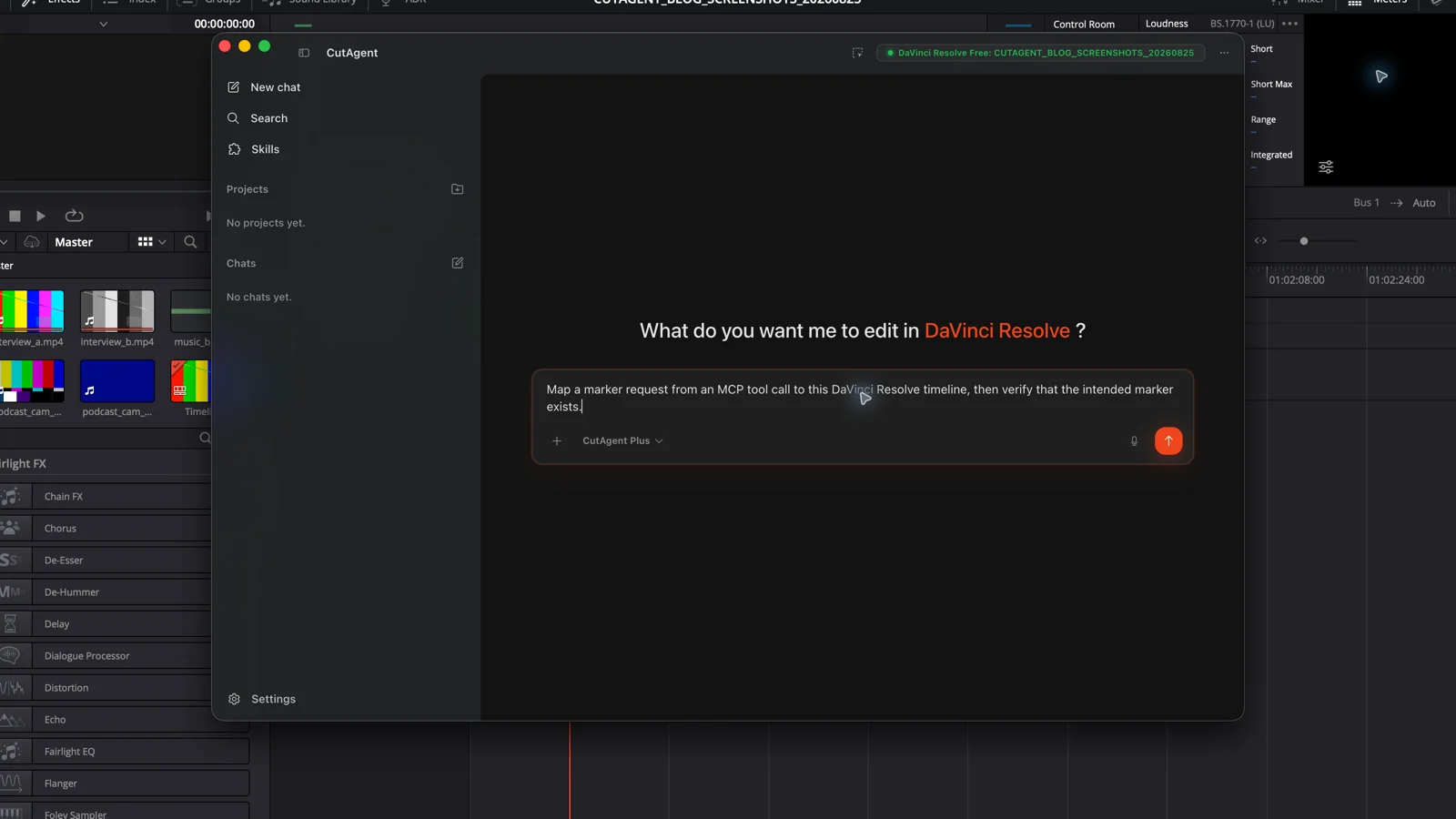
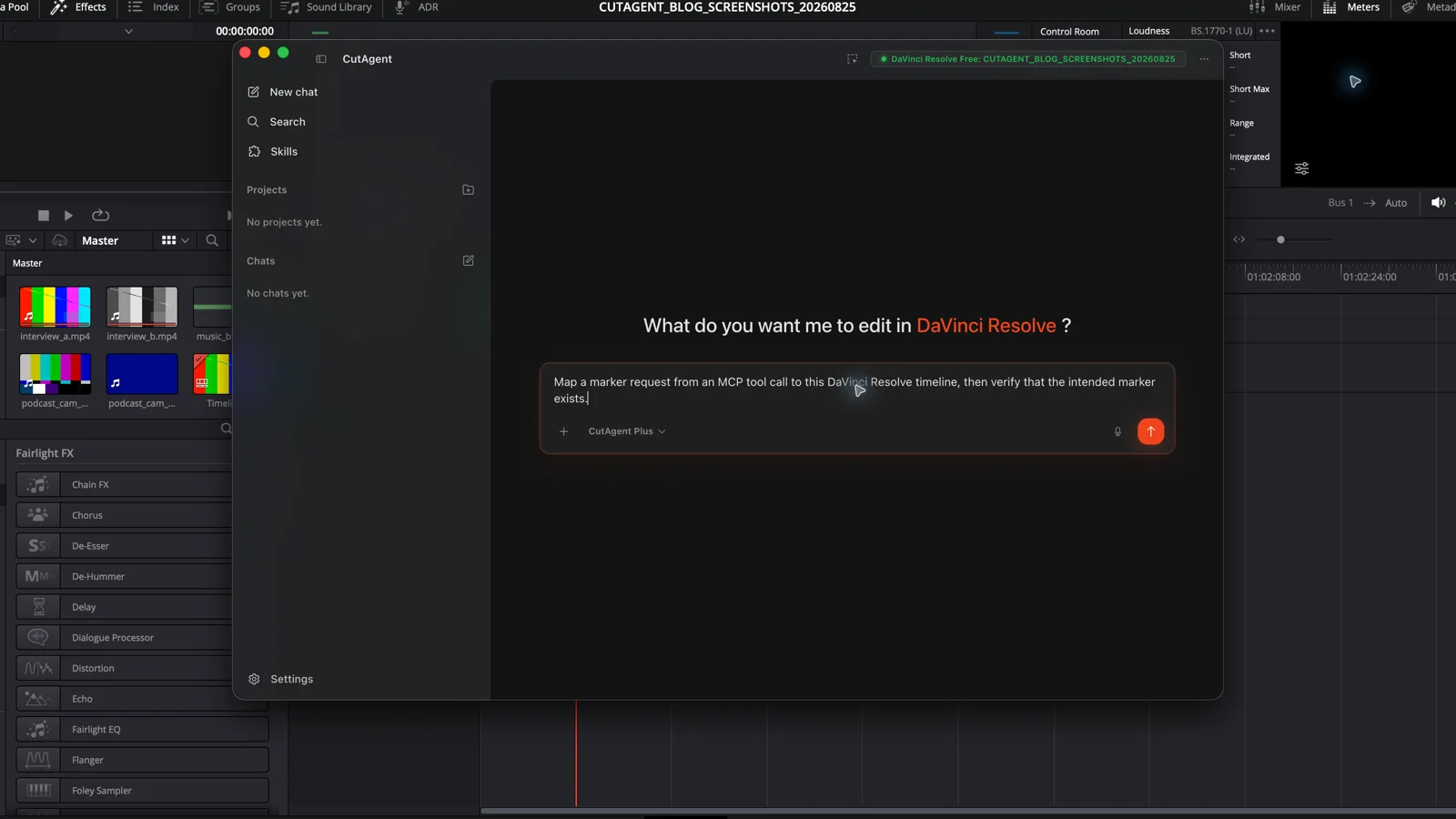
Suppose you ask an MCP-capable client to add a yellow marker at 01:00:12:08. The client discovers a matching tool and sends structured arguments to the server. The server must map those arguments to a supported DaVinci Resolve operation, identify the intended project and timeline, handle the frame rate correctly, and return either a result or a useful error.
A successful tool response is still one step short of proof. The integration should read the marker back from the same timeline, while the editor should inspect the position in DaVinci Resolve. This distinction catches a common failure class: the call ran without an exception, but it targeted the wrong timeline, used the wrong time basis, or produced a technically valid result that does not match the brief.
Make no changes yet. Identify the open DaVinci Resolve project and active timeline, report the timeline frame rate, and list the tools you can use for timeline markers. Explain how you will verify the exact marker name, color, and timecode after a write. Stop if any target is ambiguous.
MCP compatibility is not editing coverage
Two servers can both speak MCP and expose completely different DaVinci Resolve surfaces. One may only read project names and add markers. Another may wrap dozens of timeline, media, Fusion, audio, color, or delivery operations. MCP makes those tools discoverable in a common format; it does not require a minimum editing feature set.
| Question | MCP provides | The integration must provide |
|---|---|---|
| How does the client discover an action? | Tool listing, descriptions, and input schemas | Accurate tool names, useful descriptions, and maintainable schemas |
| How is an action requested? | A structured tool call and result envelope | Input validation and a real DaVinci Resolve implementation |
| What can the agent edit? | Only the capabilities the server advertises | Actual operation coverage, version handling, and edition boundaries |
| Is the target safe? | A host can apply consent and security policy | Project, timeline, clip, track, and frame-rate checks before mutation |
| Was the edit correct? | Structured content can be returned | Readback from DaVinci Resolve plus visual or audio review |
Blackmagic Design documents Python and Lua scripting for supported areas of DaVinci Resolve, and external scripting is a DaVinci Resolve Studio feature. An MCP server that relies only on that external route inherits those edition and API limits. Ask which backend it uses and which DaVinci Resolve versions and editions it has actually tested; the MCP label alone does not answer either question.
Treat every editing tool as an execution boundary
The MCP specification treats tools as model-controlled functions and tells clients to keep a human able to deny sensitive invocations. It also says tool annotations should be considered untrusted unless the server is trusted. That matters in an edit suite: a friendly description cannot prove that a tool is read-only, reversible, or limited to the selected timeline.
- Trust the server source and distribution path before connecting it to a production workstation.
- Review the actual permissions, credentials, filesystem access, network access, and DaVinci Resolve access it receives.
- Require explicit confirmation for ripple edits, media deletion, project replacement, renders, exports, and other consequential actions.
- Keep read-only inspection separate from mutation, and test mutation on a duplicate timeline or disposable project first.
- Reject a server that reports only success without identifying the affected target or supporting readback.
How to evaluate a DaVinci Resolve MCP server
Start with evidence, not the size of the tool list. A smaller server with exact target checks and reliable readback may be safer than a large catalog whose commands return optimistic completion messages.
- Inventory the advertised tools and map each one to a task your editors genuinely need.
- Confirm the supported DaVinci Resolve versions, Free or Studio boundary, operating systems, and backend for each important operation.
- Check whether every mutation accepts an explicit project, timeline, clip, track, or time range where ambiguity is possible.
- Trigger harmless failure cases: no project open, wrong timeline name, invalid timecode, missing media, and unsupported edition. The server should stop clearly.
- Run one reversible write on a duplicate timeline, then compare the server's response with DaVinci Resolve readback and the visible timeline.
- Inspect maintenance activity and retest after DaVinci Resolve, MCP client, or server updates. Protocol compatibility does not prevent backend drift.
For a wider decision about which jobs belong in automation at all, use the DaVinci Resolve automation task guide. It separates repeatable, specifiable, reviewable work from choices that still need editorial judgment.
When MCP is the right interface
MCP is a sensible choice when your host already supports the protocol and you need a standardized connection to a focused tool set, especially one maintained independently or accessed remotely. It is also useful when resources and prompts belong beside the tools in the same integration.
For editors using supported external agents with CutAgent, CutAgent CLI is the native agent tool layer. CutAgent installs it with the CutAgent skill from the desktop app, and the agent uses task-specific command guidance rather than relying on a separate MCP adapter. The DaVinci Resolve CLI guide covers that setup and the tool-surface tradeoff in detail.
Whichever interface you choose, test the same chain: intended target, supported operation, controlled execution, readback, and editor review in DaVinci Resolve. The protocol is plumbing. Trust comes from the editing behavior you can inspect.
Sources and further reading
- Model Context Protocol architecture - Model Context Protocol. Accessed August 25, 2026.
- Model Context Protocol server features - Model Context Protocol. Accessed August 25, 2026.
- Model Context Protocol tools specification - Model Context Protocol. Accessed August 25, 2026.
- DaVinci Resolve Studio scripting and automation features - Blackmagic Design. Accessed August 25, 2026.
- DaVinci Resolve support center and current documentation - Blackmagic Design. Accessed August 25, 2026.
- CutAgent product overview and agent integration FAQ - CutAgent. Accessed August 25, 2026.