Natural language video editing: the next interface for editors
Words are good at expressing intent. A timeline is better at exposing the consequences. The useful interface keeps both.
Short answer
Short answer
Natural-language video editing lets an editor describe a result in ordinary production language while a connected system turns the request into a plan and supported editing actions. It works best as a control layer above the timeline, not as a replacement for it. Use words to name the target, intention, constraints, and acceptance checks. Use the DaVinci Resolve timeline, viewers, meters, and export to inspect what actually happened. A chat box without editing tools can only advise; a tool-using agent can act, but the editor still approves story, performance, picture, and sound.
The next interface is a conversation paired with a timeline
Editing interfaces have always split intent from execution. A director can ask for a tighter opening, but an editor still has to identify the sequence, choose the frames, protect sync, and judge the new rhythm. Natural language reduces the translation work when the request can be connected to real project context and supported tools. It does not make the consequences of a cut visible by itself.
That creates a two-interface workflow. Conversation is the control surface for outcomes and constraints. DaVinci Resolve remains the evidence surface: its timelines, clips, nodes, tracks, meters, and renders show what changed. Blackmagic Design describes DaVinci Resolve as a set of dedicated workspaces for editing, Fusion, color, Fairlight, media, and delivery. A natural-language layer should coordinate those workflows without pretending that their visual feedback has become unnecessary.
A prompt becomes an edit only when a tool path exists
A language model can turn a loose request into clearer instructions. That is planning, not timeline control. OpenAI's agent guidance separates the model, tools, and instructions: an agent uses tools to take actions and runs until it reaches an exit condition or returns control. For video editing, the tool layer must reach the local project, expose the required operation, return errors honestly, and provide enough state to check the result.
| Layer | Job | Failure to catch |
|---|---|---|
| Brief | Name the result, target, constraints, and approval standard | A request such as make it punchier has no operational boundary |
| Planning | Translate the brief into steps supported by the current project | The plan assumes media, tracks, or features that are unavailable |
| Execution | Apply approved operations through a connected editing tool layer | The chat interface has no access to the open project |
| Readback | Reconcile requested actions with returned project state | A success message hides a missed item or wrong target |
| Editorial review | Inspect picture, sound, timing, and the final deliverable | A structurally correct edit still feels or sounds wrong |
Language wins when the job crosses several controls
A mouse is already an excellent interface for trimming one visible cut. A shortcut is faster for a command you know. Language earns its place when the task starts as production intent and spans context, selection, several operations, or a verification report.
| Editing job | Best starting interface | Reason |
|---|---|---|
| Move this cut two frames earlier while watching the performance | Timeline trim control | The target is visible and the editor needs immediate picture and sound feedback |
| Apply a known transition to the selected edit point | Keyboard shortcut or native command | One deterministic action does not need interpretation |
| Turn approved review notes into named markers on one timeline | Natural-language agent brief | The job combines note parsing, target checks, repeated actions, and a countable result |
| Build a transcript-based selects assembly without changing the source timeline | Natural-language agent brief followed by timeline review | The job has semantic criteria, multiple clips, protected scope, and editorial exceptions |
| Decide which performance carries the scene | Direct editorial review | The decision depends on meaning, expression, continuity, and taste |
Do not pay an interpretation tax on every click. Use language for orchestration and exceptions; keep direct manipulation for frame-level judgment and exploration. That division is more useful than claiming one interface will replace the other.
Write a brief the system can execute and you can audit
Natural language is flexible, which also makes it easy to omit the detail that prevents a bad edit. A production brief should answer six questions: where to work, what outcome is wanted, which evidence may guide it, what may change, what must stay protected, and what proves completion.
Inspect the open DaVinci Resolve project without changing it. Confirm that the active timeline is Product interview v06 at 25 fps. On a duplicate named Product interview v06 — selects, assemble the approved transcript passages about setup, the first useful result, and the final recommendation in that order. Keep every complete spoken sentence and its linked audio. Do not change the source timeline, color, audio processing, captions, or media. Stop if a passage maps to more than one source range or if any selected media is offline. Report the source ranges used, the new timeline duration, and every item you skipped. Then wait for picture-and-sound review.
The wording is ordinary, but the contract is precise. It identifies the target and frame rate, isolates the output, defines the story order, protects unrelated work, names ambiguity as a stop condition, and asks for evidence. The agent still cannot know whether a glance should breathe for eight more frames. That decision appears during playback.
- Prefer named projects, timelines, bins, tracks, clips, markers, and deliverables over pronouns such as this or that.
- Separate exact instructions from creative preferences. Keep the product name on screen is exact; make the reveal feel expensive needs references or editor review.
- State what must not change, especially source timelines, sync, grades, audio processing, and approved graphics.
- Define a stop condition for missing media, ambiguous targets, unsupported features, or conflicting notes.
- Ask for inspectable evidence: item counts, timecodes, timeline names, skipped operations, and render settings where relevant.
How CutAgent turns natural language into local editing work
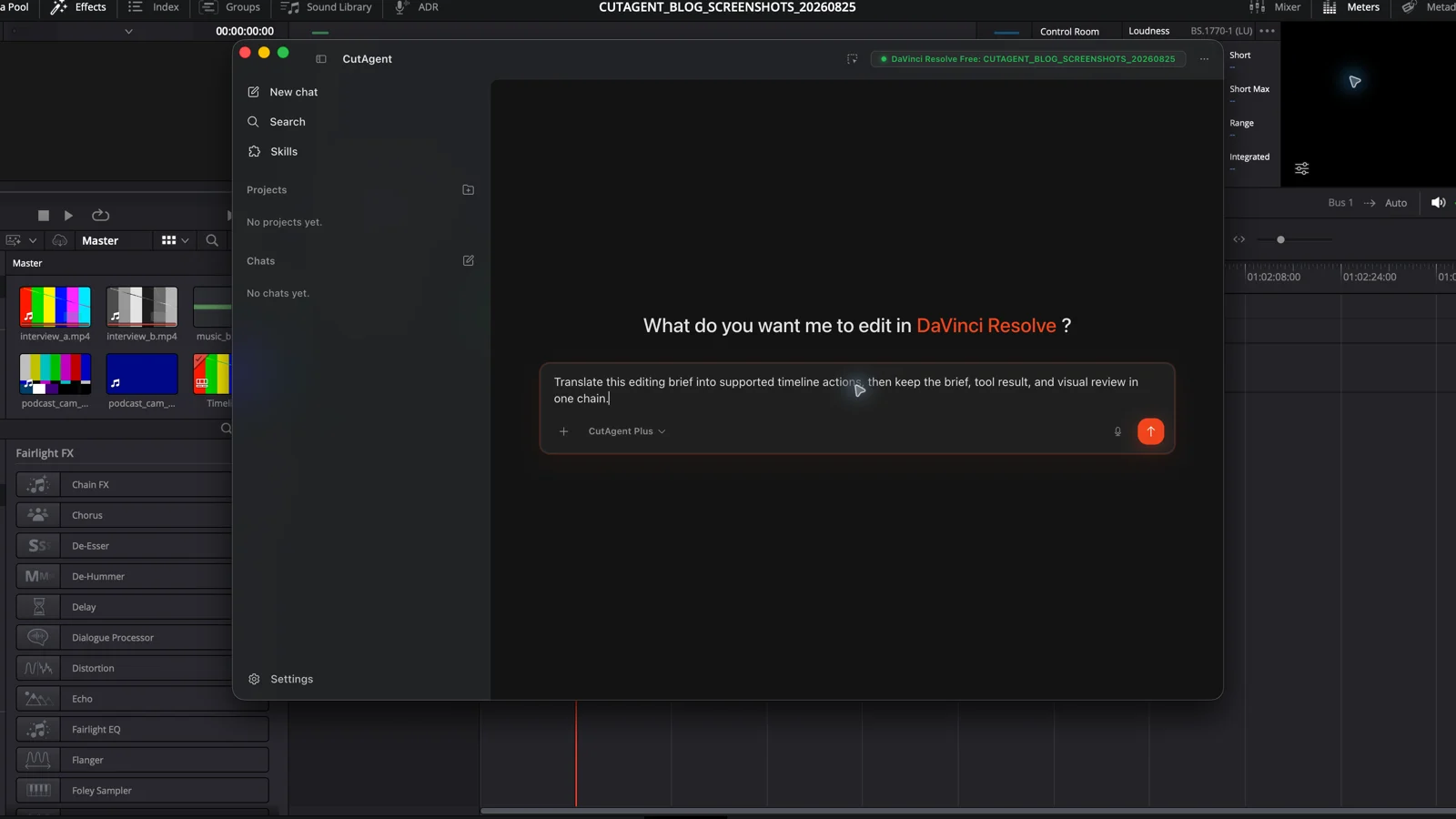
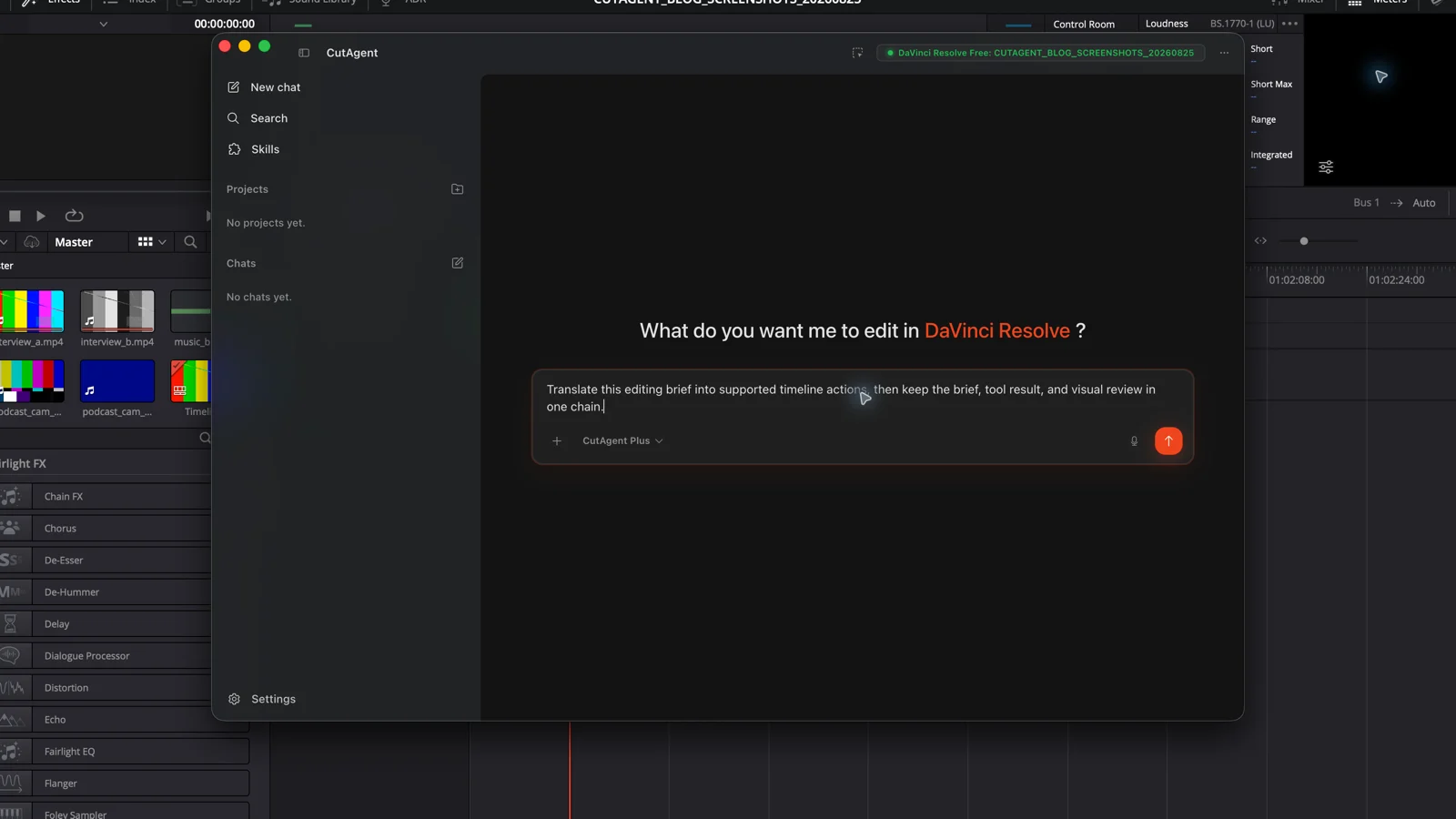
In CutAgent, an editor describes the job in the desktop app. CutAgent uses relevant DaVinci Resolve context and supported local editing operations, then returns tool results and verification information for review. Its public product page currently supports DaVinci Resolve 20 or later, including Free and Studio, on macOS and Windows. Exact actions can still depend on the installed version, edition, media, and project state.
The person-to-result path is therefore concrete: editor → CutAgent desktop brief → supported local DaVinci Resolve operation → result inspected in DaVinci Resolve. The editor does not need to convert the brief into terminal syntax. Developers and supported external agents can use CutAgent CLI as the editing tool layer, while the normal desktop workflow stays centered on the editing request and review.
This is also why natural-language editing and agentic video editing are related but not identical. Natural language describes the interface used to express intent. Agentic editing describes a workflow that can choose tools, act, inspect results, and stop or adapt. A natural-language assistant may never touch the project; an editing agent requires an execution path.
The dangerous failures sound plausible
A malformed command usually fails loudly. A fluent interpretation can be wrong while sounding reasonable. The practical risks are target drift, hidden assumptions, over-broad scope, unsupported operations, and completion claims that describe the request rather than the project state.
| Failure | Example | Control |
|---|---|---|
| Target drift | The system edits the active assembly instead of the named client cut | Read the project and timeline names before writes; stop on mismatch |
| Creative guessing | Make it cinematic becomes an unapproved grade and speed ramp | Supply references and allowed operations, or ask for a plan only |
| Scope expansion | A caption cleanup also rewrites the speaker's wording | Protect transcript meaning and list the fields that may change |
| False completion | The report says 42 markers were added, but one timecode was invalid | Reconcile requested and returned items, then inspect the timeline |
| Edition mismatch | The plan depends on a DaVinci Resolve Studio feature on a Free workstation | Check the installed edition and the required feature before execution |
Start with a reversible canary: one marker, one isolated clip, one duplicated timeline, or one short render. Expand only after the named target, reported result, and visible project state agree. The same principle underpins the broader DaVinci Resolve automation workflow.
Test the interface on one boring, provable job
Do not evaluate natural-language editing with an entire commercial. Pick one task you can specify and inspect without debating taste: create markers from approved notes, inventory offline media, build a selects timeline from exact transcript passages, or prepare a delivery checklist. Run it on a duplicate or disposable target.
- Write the target, allowed change, protected scope, stop conditions, and expected evidence.
- Ask the system to inspect first and return its interpretation before it edits.
- Approve one canary action and compare the report with the visible DaVinci Resolve state.
- Run the bounded remainder only when the target and canary match.
- Watch and listen to the affected range, then verify any real export.
Judge the interface by how quickly you can explain a real job, detect a wrong interpretation, and verify the result. If the workflow hides any of those three steps, keep the task manual. If it makes all three clearer, give it the next bounded job.
Sources and further reading
- CutAgent product overview - CutAgent. Accessed August 25, 2026.
- DaVinci Resolve product and edition overview - Blackmagic Design. Accessed August 25, 2026.
- A practical guide to building agents - OpenAI. Accessed August 25, 2026.